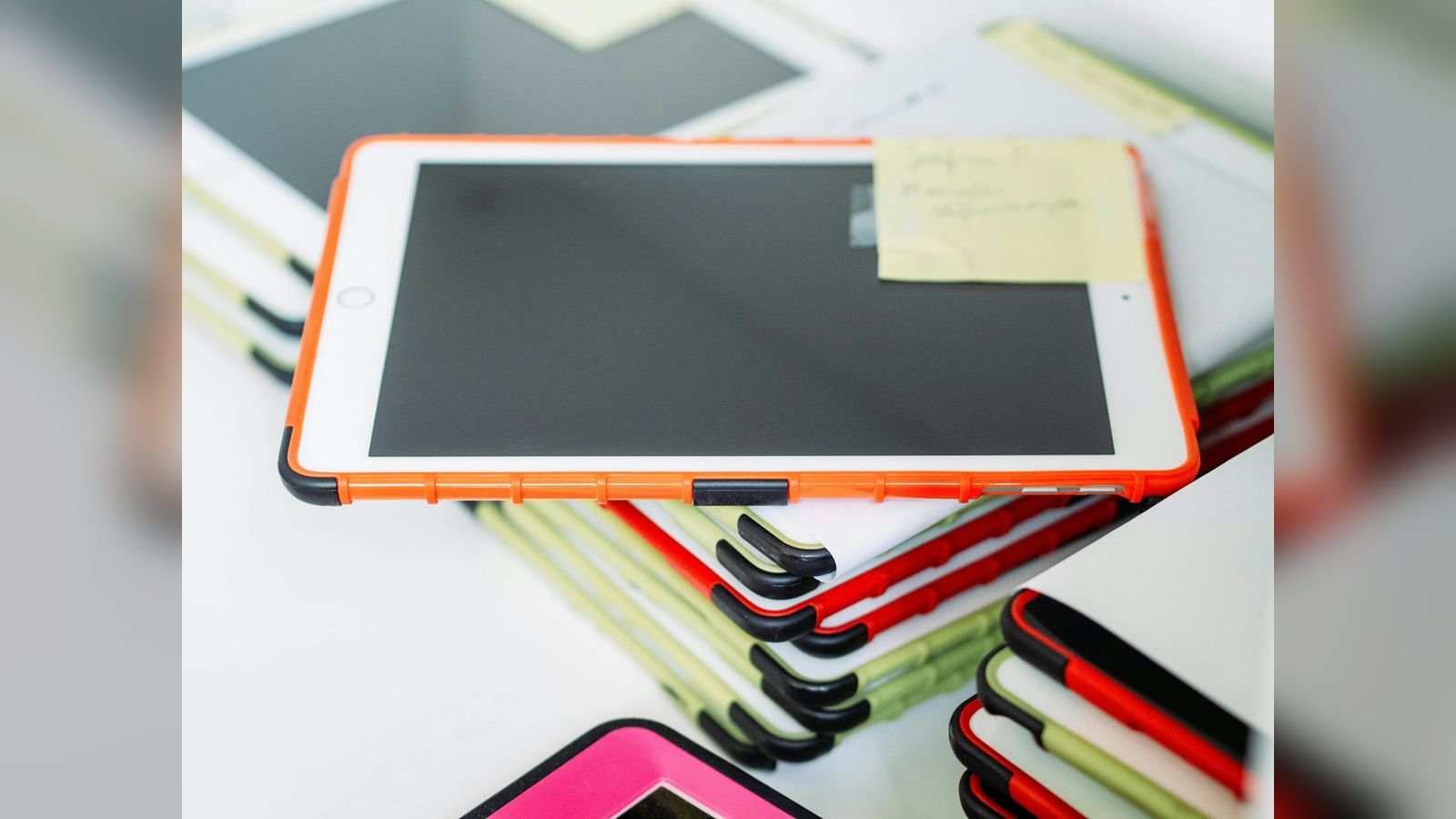
Your iPad used to last all day. Now it needs a charger by lunchtime, shuts down at 30%, or runs warm even when you are only reading. Perhaps the screen has started to lift slightly at the edge, or the iPad no longer sits flat on the table. These are all signs that the iPad battery has aged, and in some cases that it has become unsafe. This guide explains how long an iPad battery really lasts, the clear signs that it needs replacing, why a swollen battery is a serious safety issue, what an iPad battery replacement in Delhi involves and costs, and how to make the new battery last for years. It covers every iPad, iPad mini, iPad Air and iPad Pro we repair.

How long does an iPad battery last?
An iPad uses a lithium-ion battery, like your phone. Apple designs iPad batteries to keep up to 80% of their starting capacity after about 1,000 complete charge cycles. A "cycle" means using 100% of the battery's capacity in total, not necessarily in one go: charging from 50% to 100% twice counts as one cycle. For most people this works out to three to five years of regular use. Heavy users, such as students who use the iPad all day, designers and gamers, reach this point sooner, and iPads that spend years at 100% in a hot room age faster too.
Unlike an iPhone, most iPad models do not display a Battery Health percentage in Settings, so owners rarely know how worn the battery is until problems appear. In our workshop we measure the capacity and cycle count with diagnostic tools, which is why a free battery check at our shop is useful before you decide to spend money.
10 signs your iPad battery needs replacement
- It drains very quickly. A drop from 100% to 20% in a couple of hours of light use is a classic sign.
- It shuts down suddenly at 20–40%. A worn battery cannot deliver peak power, so the iPad switches off even though a percentage remains.
- The percentage jumps. It may show 45%, then fall to 10% within minutes, or suddenly rise after being plugged in.
- It charges very slowly or never reaches 100%. Ageing cells cannot accept charge normally.
- It works only when plugged in. If the iPad dies the moment you remove the cable, the battery is nearly finished.
- The iPad is warm even when idle. Ageing batteries generate more heat.
- The iPad is slower than before. iPadOS can reduce performance to protect a weak battery from unexpected shutdowns.
- The screen lifts or the case bulges. This is a swollen battery and needs urgent attention.
- The iPad no longer lies flat. A swelling battery pushes the back or the display outward.
- A gap appears between the display and the frame. A swelling battery is pushing the glass up.
The danger of a swollen iPad battery
Lithium-ion batteries can swell when they are old, overheated, overcharged, or physically damaged. Swelling happens because gas builds up inside the sealed cell. It is rare, but it is the most serious battery problem we see, and it deserves clear safety advice:
- Stop using and charging the iPad immediately. Charging a swollen battery can lead to overheating, fire or burst cells.
- Do not press, flatten or puncture it. Never try to push a bulging screen back down.
- Keep it away from heat, sunlight and anything flammable, ideally on a hard, non-flammable surface.
- Do not leave it charging overnight or in a bag.
- Bring it to a professional the same day. The battery must be removed carefully by someone who knows how to handle it.
Delhi's summer heat makes the situation worse, as an iPad left in a car or near a window heats up quickly and speeds up swelling. If you notice any lifting, take it seriously.
Why iPad battery replacement is a specialist job
An iPad battery is not a plug-in part like those in older tablets. It is a large pack made of several cells that is bonded to the housing with strong adhesive strips, and the display must be lifted first to reach it. That makes the job longer and more delicate than a phone battery replacement:
- The display is opened with controlled heat and special tools. This must be done carefully to avoid cracking the glass or tearing the display cables.
- The battery is lifted gradually from the housing, because forcing it can puncture the cells.
- Old adhesive residue is cleaned and fresh adhesive is applied, so that the new battery and the display sit correctly.
- The board, charging port and cables are inspected while the iPad is open.
It is worth being honest about one thing: because the display has to be lifted, there is a small risk with older or already-stressed displays. We inspect the display before starting and tell you if there is any extra risk, so there are never surprises.
iPad battery replacement cost and time in Delhi
| iPad family | Indicative price | Typical time |
|---|---|---|
| iPad (8th / 9th / 10th gen and A16 model) | ₹4,000 – ₹5,800 | 2–4 hours |
| iPad mini (5 / 6 / 7) | ₹4,500 – ₹6,200 | 2–4 hours |
| iPad Air (all models) | ₹5,000 – ₹7,000 | Same day |
| iPad Pro 11" | ₹5,800 – ₹8,000 | Same day |
| iPad Pro 13" / 12.9" | ₹6,200 – ₹8,800 | Same day |
These are indicative ranges for genuine batteries. The final quote comes after a free diagnosis. For all other iPad repairs, see our iPad repair price list for Delhi.
Is a new battery better than a new iPad?
For most owners, absolutely. A battery replacement costs a fraction of a new iPad and restores all-day battery life. Compare the options:
| Option | Rough cost | Result |
|---|---|---|
| New battery on your iPad | ₹4,000 – ₹8,800 | Same iPad, all-day battery again, 3–6 months warranty |
| Refurbished iPad | Varies by model | Different iPad, shorter warranty, see refurbished devices |
| New iPad | Highest | Latest features; worth it only if you need an upgrade |
| Do nothing | Free | Daily frustration; risk if the battery is swelling |
If you do want an upgrade, our sell used devices service can give you a fair price for your old iPad.
How we replace an iPad battery at Toughees Telecom
- Free battery diagnosis. We check capacity, cycle count, charging behaviour and look for swelling or other damage.
- Written quote and risk explanation. You are told the price, the time and any special risk for your iPad.
- Safe opening. The display is lifted carefully, and the battery is disconnected immediately.
- Battery removal. The old battery is released gradually and disposed of safely.
- Cleaning and fitting. The housing is cleaned, and the new genuine battery is fitted with proper adhesive.
- Re-assembly and calibration test. We test charging, power-on, performance, heat and cycle behaviour.
- Warranty. A 3 to 6 months warranty on the battery, depending on the repair, is noted on your receipt.
We explain more about our other services on the iPad repair in Delhi page.
How to make your iPad battery last longer
- Avoid heat. Do not leave the iPad in a hot car, on a sunny window sill or under a pillow while charging.
- Keep charge between about 20% and 80% when you can, but do not stress about it; occasional full charges are fine.
- Turn on Optimised Battery Charging where available, so the iPad learns your routine and holds charging at 80% until you need it.
- Use a good adapter and cable. A certified 20W adapter is ideal. If charging problems appear, read iPad not charging: causes and fixes.
- Lower screen brightness and use auto-brightness.
- Close heavy apps and background refresh you do not need.
- Do not use the iPad as a permanent plugged-in display without breaks; a battery at 100% in a warm room ages faster.
- Update iPadOS to benefit from battery and power management improvements.
Battery or something else? Rule out other causes first
Some "battery problems" are not about the battery at all. Before replacing the battery, we check these:
- A rogue app or a software bug draining power in the background. Check Settings → Battery for the apps using the most power.
- A faulty cable or charger that charges slowly. Test with a second set.
- A dirty or damaged charging port that prevents full charging. See our guide on iPad charging problems.
- A display problem where a damaged screen draws extra power. See iPad screen replacement in Delhi.
- Cold or hot environments temporarily reducing battery performance.
Our free diagnosis separates these causes, so you only pay for what the iPad actually needs.

What is normal battery life on an iPad?
Apple rates most iPad models for roughly 10 hours of web browsing or video playback on Wi-Fi, and slightly less on cellular. Real-life numbers vary a lot with how you use the iPad. As a rough guide:
| How you use the iPad | Typical run time on a healthy battery |
|---|---|
| Reading, browsing and note-taking at medium brightness | 8–10 hours |
| Video streaming and online classes | 6–9 hours |
| Drawing with Apple Pencil in a heavy art app | 5–8 hours |
| Gaming at high brightness | 3–5 hours |
| Video calls with camera on | 5–7 hours |
If your iPad delivers less than half of these figures with the same usage, and the problem is not a single misbehaving app, the battery has probably worn out. A tablet that was bought three or four years ago and used daily for online classes, hospital rounds or design work will commonly be in this range.
Storing an iPad you are not using
Many families keep an older iPad in a drawer for months. A lithium-ion battery that sits at 0% for a long time can fall into deep discharge and refuse to charge again, while one left at 100% in a hot cupboard ages quickly. If you put an iPad away, charge it to roughly 50%, switch it off, and store it somewhere cool and dry. Charge it for a while every three or four months. If you bring out an old iPad that will not charge, do not keep it plugged in for days hoping for a miracle; bring it for a check, because a deeply discharged or swollen battery is best handled by a technician.
What happens to the old battery?
Lithium-ion batteries should never be thrown in ordinary household waste, because they can catch fire in garbage trucks and landfills. When you get a battery replaced, ask the technician how the old battery will be disposed of. If you take it home, do not puncture, crush or burn it, and hand it over at an authorised e-waste collection point.
A typical scenario: what a battery replacement achieves
Picture a medical student who has used the same iPad for lecture notes every day for four years. It now lasts about two hours, shuts down at 35% and feels warm even when idle. Diagnostics on an iPad like this normally show a heavily worn battery with no swelling. A genuine replacement battery fitted in a few hours restores a full day of lectures on one charge, and everything else stays exactly as it was: notes, Apple Pencil settings and apps. The cost is a small fraction of a new iPad. This is the usual outcome for a worn battery, which makes it the cheapest way to give an older iPad years more life.
Visit us or book free pickup
Come to Shop #7, Basement, Main Road, Block B-7, Arjun Nagar, Safdarjung Enclave, New Delhi, open Monday to Saturday, 10 AM to 8 PM. Call +91 99715 85123 or WhatsApp us. We offer free doorstep pickup and drop within 5–7 km, including Green Park, Hauz Khas, AIIMS, Sarojini Nagar and Bhikaji Cama Place. See areas we serve, read our testimonials or use the contact page.
Frequently Asked Questions About iPad Battery Replacement
How much does iPad battery replacement cost in Delhi?
iPad battery replacement in Delhi typically costs ₹4,000 to ₹8,800 depending on the model, from base iPads at the lower end to the iPad Pro 13-inch at the upper end. A free diagnosis gives you the exact quote.
How long does iPad battery replacement take?
Most base iPad and mini batteries take two to four hours, while iPad Air and Pro batteries are usually done the same day because they need more careful opening.
How do I know if my iPad battery is bad?
Fast draining, sudden shutdowns at 20–40%, slow charging, heat while idle and a bulging screen are the main signs. Our shop can measure capacity and cycle count with diagnostic tools.
Is a swollen iPad battery dangerous?
Yes. A swollen battery can overheat and, in rare cases, catch fire. Stop using and charging the iPad immediately, keep it on a hard surface away from heat, and have the battery replaced the same day.
Can I keep using my iPad if the battery is swelling?
No. Using or charging a swollen battery is unsafe and can crack the display. Switch it off and bring it to a technician.
Does iPad battery replacement erase my data?
No. Replacing the battery does not touch your data. We still suggest a backup as good practice.
Why does my iPad show 100% but die quickly?
A worn battery can show an inaccurate percentage and lose voltage suddenly under load. Replacing the battery corrects the readings and run time.
Will a new battery make my iPad faster?
If the iPad was slowing down to protect a weak battery, a new battery can restore normal performance. It cannot make an old chip faster, but it removes battery-related slowdowns.
How often should an iPad battery be replaced?
Typically every three to five years of regular use, or whenever battery life becomes unacceptable or the battery shows swelling. Heavy use and heat shorten this.
Do you use genuine batteries for iPad?
Yes. We use genuine parts and give a 3 to 6 months warranty on every repair, depending on the repair type.
Is it worth replacing the battery in an old iPad?
If the iPad still runs your apps, yes. A battery replacement costs far less than a new iPad and gives you years more of use.
Do you offer pickup and drop for iPad battery replacement?
Yes. We offer free doorstep pickup and drop within about 5 to 7 km of our Safdarjung Enclave shop.