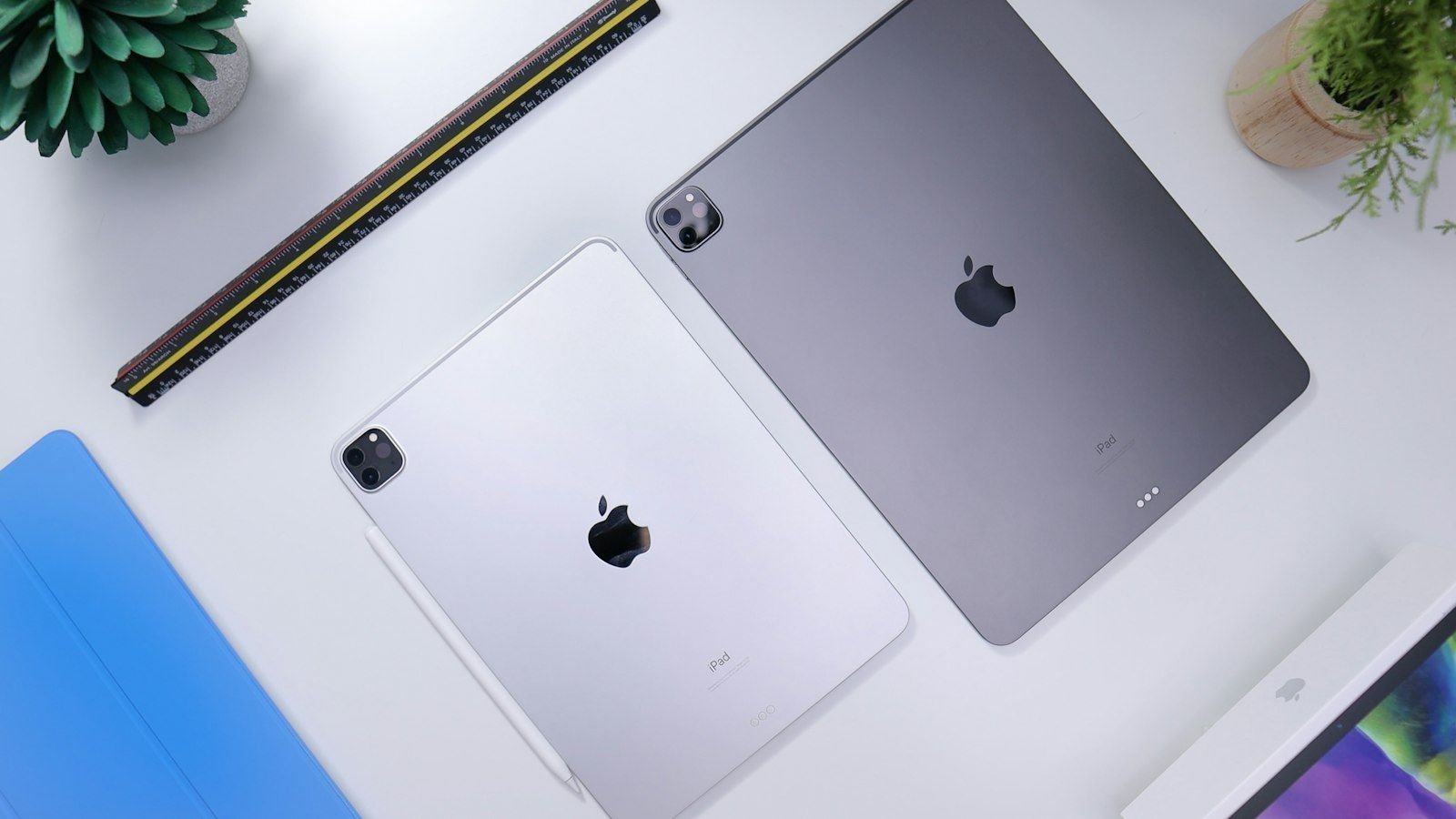
A cracked iPad screen is one of the most common accidents we see at our Safdarjung Enclave workshop. A child knocks the tablet off the sofa, a backpack presses on it in the metro, or it slips from a desk onto a tile floor. Sometimes the glass is shattered but everything still works; sometimes the picture is gone, there are coloured lines, or the touch no longer responds. This guide explains every kind of iPad screen damage, what actually gets replaced in an iPad screen replacement, how long it takes, what you should do immediately after the crack, and how to avoid a second accident. It applies to every iPad we repair: the standard iPad, iPad mini, iPad Air and iPad Pro.

What exactly is an iPad "screen"?
When people say "iPad screen" they usually mean three different layers that are bonded together on modern iPads:
- The cover glass – the toughened glass you touch and the part that cracks in a drop.
- The touch digitizer – a transparent sensor layer that detects your finger and Apple Pencil.
- The display panel – the LCD (or OLED on the latest iPad Pro) that produces the picture and backlight.
On almost all current iPads, these layers are laminated into one unit so that the picture sits very close to the glass. That is why iPads look so crisp and respond so precisely to the Pencil, and it is also why a cracked glass normally means replacing the whole display assembly. A repair that promises to change "only the glass" on a modern iPad is rarely possible without risking the display, so ask any shop to explain exactly what they will replace.
Types of iPad screen damage and what they mean
| What you see | What it usually means | Repair |
|---|---|---|
| Glass cracked, picture and touch work | Glass damage only, so far | Replace display assembly; do it early |
| Glass cracked and touch partly dead | Digitizer layer damaged under the crack | Replace display assembly |
| Picture black but iPad still sounds and vibrates | Display or display cable failure | Replace display; check cables |
| Coloured or white lines, bands or patches | Display panel damaged by impact or pressure | Replace display assembly |
| Dark blotches, ink-like spreading marks | Pressure or impact damage to the panel | Replace display assembly |
| Flickering or half-screen working | Display flex cable or backlight problem | Cable repair or display replacement |
| Touch jumping or phantom taps | Digitizer or board fault (see ghost touch guide) | Diagnosis first |
| Yellow edges or light bleed | Adhesive or backlight ageing, or earlier repair | Display replacement |
| Crack along one edge, otherwise normal | Frame bent by impact | Frame correction plus display |
Display technology by iPad model
The technology inside the screen decides both the cost and the care needed during replacement.
| iPad family | Display notes | Care point during repair |
|---|---|---|
| iPad 8th / 9th gen | Retina LCD, Home button with Touch ID | Touch ID Home button must be transferred to the new display |
| iPad 10th gen / iPad (A16) | Larger 10.9-inch Liquid Retina LCD, no Home button | Large panel; avoid bending |
| iPad mini 5 | Retina LCD with Home button | Touch ID transfer, compact cables |
| iPad mini 6 / 7 | 8.3-inch Liquid Retina, no Home button | Tight internals, delicate flex |
| iPad Air 4, Air 5 (M1) and newer | Liquid Retina with anti-reflective coating | Protect the coating; true-tone calibration |
| iPad Pro 11" / 12.9" up to M2 | Liquid Retina or Liquid Retina XDR (mini-LED on 12.9"), ProMotion 120 Hz | Delicate; thin frame; keep panel flat |
| iPad Pro 11" / 13" (M4, M5) | Ultra Retina XDR tandem OLED, ProMotion | Extremely thin; heat and pressure control essential |
Common causes of iPad screen damage
- Drops onto marble, tile or the road, usually onto a corner.
- Pressure in a bag. Books or a laptop pressing on an iPad in a backpack can crack the panel without any visible mark on the glass.
- Sitting or leaning on it – a surprisingly common cause, especially for large iPad Pro models.
- Children – throwing, dropping or stepping on tablets.
- Heat – leaving the iPad in a hot car can warp the display layers and damage the adhesive.
- Previous poor repairs – cheap screens with bad adhesive that start lifting or cracking within months.
What to do immediately after cracking your iPad screen
- Stop pressing on the glass. Repeated touching spreads cracks and can push glass shards into your fingers.
- Cover the crack with clear tape or a screen protector if shards are lifting, to prevent cuts.
- Back up the iPad if it is still responsive. Use iCloud or a computer.
- Turn it off if there are coloured lines or the display is flickering; continuing to run a damaged panel can worsen the fault.
- Keep it dry. A cracked screen is no longer sealed against moisture.
- Do not charge it if the case or frame is bent or if you see swelling.
- Bring it in soon. A crack that starts small tends to spread and can kill the touch layer in weeks.
Why DIY and very cheap repairs often fail
You will find video tutorials and cheap screen kits online, but iPad screen replacement is one of the harder tablet repairs. The glass is bonded with strong adhesive that has to be heated and opened without bending, the display cables are fragile, and on models with a Touch ID Home button, the button has to be removed and refitted without damaging the sensor. Mistakes lead to a cracked new panel, torn flex cables, damaged backlight lines and sometimes board damage that costs far more than the first repair. Poor-quality screens also lose brightness and colour, give inaccurate touch and fail with the Apple Pencil.
How we replace an iPad screen at Toughees Telecom
- Free diagnosis. We check the damage, test the digitizer, backlight, battery, cameras and ports, so there are no hidden surprises.
- Written quote. You get the price and warranty before any work begins.
- Careful opening. We soften the adhesive with controlled heat and open the iPad with the right tools.
- Cleaning and prep. Old adhesive and glass fragments are cleaned out; the battery and board are inspected.
- Fitting a genuine display. The new display assembly is fitted with fresh adhesive, and Home button or sensors are transferred where needed.
- Full testing. We test touch across the whole screen, multi-touch, Apple Pencil, True Tone, brightness, auto-rotate, cameras, speakers, Wi-Fi and charging.
- Warranty. A 3 to 6 months warranty, depending on the repair, is noted on your receipt.
iPad screen replacement time and cost in Delhi
| iPad family | Indicative price | Typical time |
|---|---|---|
| iPad (9th / 10th gen and A16 model) | ₹7,000 – ₹12,000 | Same day |
| iPad mini (6 / 7) | ₹9,000 – ₹15,000 | Same day |
| iPad Air | ₹12,000 – ₹20,000 | Same day to 2 days |
| iPad Pro 11" | ₹16,000 – ₹26,000 | 1–3 days |
| iPad Pro 13" / 12.9" | ₹20,000 – ₹32,000 | 1–3 days |
For the complete list of iPad repair prices, see our iPad repair cost list for Delhi. These are indicative ranges and the exact quote follows diagnosis.
How to protect your new iPad screen
- Use a tempered glass screen protector or a paper-feel film if you draw with the Apple Pencil.
- Choose a case with raised corners and a shock-absorbing frame. Folio cases that cover only the front do not protect the corners.
- Never carry the iPad loose inside a crowded bag; use a padded sleeve.
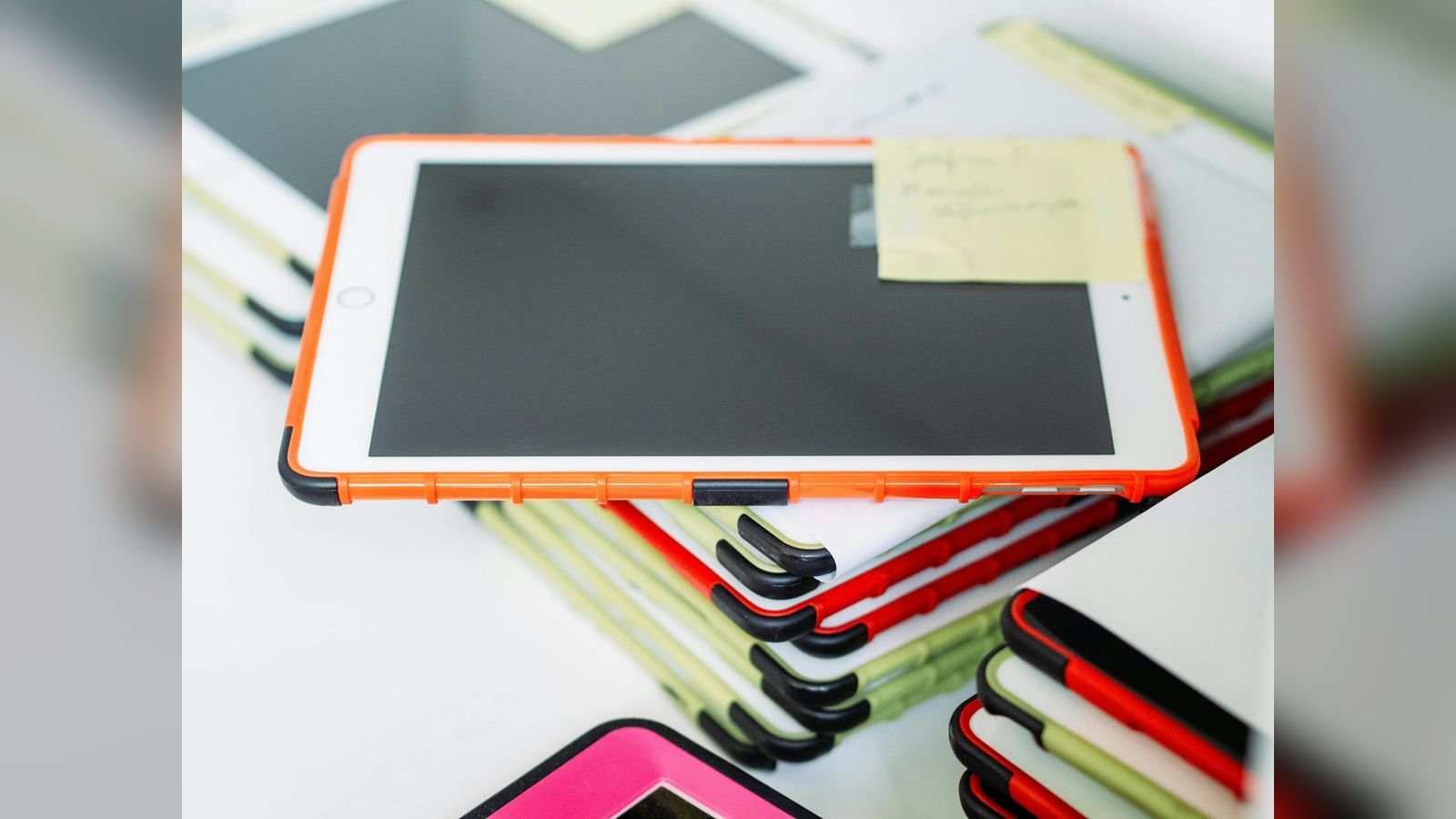
- Keep children's iPads in a thick, handled case designed for kids.
- Avoid pressing hard on the display with the Pencil or finger, and do not sit on the iPad.
- Keep it out of heat and direct sunlight. Heat damages the adhesive and the display.
What else to check while the screen is being replaced
A drop that cracks the screen often stresses other parts. We recommend checking the battery (a swollen battery can crack a new display; see iPad battery replacement in Delhi), the charging port (see iPad not charging: causes and fixes), the frame for bends, and the speakers and cameras. Doing these together saves the time and cost of opening the iPad twice.
Repair or replace the whole iPad? A simple way to decide
| Situation | Our usual advice |
|---|---|
| iPad is 1–5 years old, only the screen is damaged | Repair. A new display restores the iPad fully. |
| iPad is 5–8 years old, runs your apps well | Repair if the cost is under about half of a comparable iPad. |
| iPad no longer gets iPadOS updates and apps are failing | Consider replacing, or a refurbished iPad. |
| Frame is badly bent and the board is also damaged | Ask for a full diagnosis; repair may cost more than the iPad is worth. |
| You want to upgrade anyway | Sell the damaged iPad to us and put the amount towards a new one. |
Warranty and AppleCare: what you should know
If your iPad is still within Apple's warranty or covered by AppleCare+, check what your plan offers before deciding. Accidental damage cover usually involves a fixed fee and may be worth using if you are within the coverage period and the iPad is expensive. An independent repair shop like ours is the right choice when the iPad is out of warranty, when you need the repair quickly, when you want a clear fixed price, or when you want free pickup and drop at your doorstep. We always tell you honestly which option makes more sense for your iPad, and we never promise things we cannot deliver.
Problems that appear after a poor screen repair
We regularly meet customers whose iPad was repaired elsewhere and now behaves strangely. These are the signs of a low-quality or badly fitted display:
- The screen lifts at the edges or collects dust under the glass.
- Colours look washed out or yellow compared with how the iPad looked before.
- Touch is jumpy, especially near the edges, or the Pencil lags.
- Brightness is uneven or the auto-brightness no longer works properly.
- The Home button stopped working or Touch ID no longer recognises your fingerprint.
- The battery drains faster because the new panel is inefficient.
Re-doing such a repair is possible, and we do it often, but it costs the customer twice. Choosing a shop that uses genuine parts, tests everything and gives a written 3 to 6 months warranty is the best protection against this.
Visit us or book free pickup
Bring your iPad to Shop #7, Basement, Main Road, Block B-7, Arjun Nagar, Safdarjung Enclave, New Delhi, open Monday to Saturday, 10 AM to 8 PM. Call +91 99715 85123 or send a photo on WhatsApp for a quick estimate. We offer free pickup and drop within 5–7 km, covering Green Park, Hauz Khas, AIIMS, Sarojini Nagar and Bhikaji Cama Place. See all our iPad repair services in Delhi, the areas we serve and our contact page.
Frequently Asked Questions About iPad Screen Replacement
How much does iPad screen replacement cost in Delhi?
iPad screen replacement in Delhi costs about ₹7,000 to ₹12,000 for the base iPad, ₹9,000 to ₹15,000 for the iPad mini, ₹12,000 to ₹20,000 for the iPad Air and ₹16,000 to ₹32,000 for the iPad Pro. The exact price depends on the model.
How long does it take to replace an iPad screen?
Standard iPad and mini screens are usually done the same day. iPad Air and Pro screens can take from the same day up to three days because of their more complex displays.
Can you replace just the glass on an iPad?
On modern iPads the glass, digitizer and display are bonded together, so the whole display assembly is replaced. We will tell you honestly if any alternative exists for your model.
My iPad screen is cracked but works. Should I repair it now?
Yes, ideally soon. Cracks spread, dust and moisture enter, and the touch layer can fail without warning. An early repair also reduces the risk of cuts from loose glass.
Why is my iPad screen black but the iPad is on?
If the iPad makes sounds or vibrates but the screen is black, the display or its cable has probably failed. It can often be repaired, and the diagnosis is free.
What causes lines or coloured bands on an iPad screen?
Lines and bands usually come from damage to the display panel after a drop or pressure in a bag. The display assembly needs to be replaced.
Will Touch ID or the Home button work after screen replacement?
Yes. On iPads with a Home button, we carefully transfer your existing button to the new display so Touch ID continues to work. We test it before delivery.
Will the Apple Pencil work after screen replacement?
Yes. We test Pencil pressure, tilt and palm rejection after replacement, so drawing and writing feel exactly as before.
Does iPad screen replacement erase my data?
No, screen replacement does not touch your data. We still recommend a backup before any repair.
Is it worth replacing the screen on an old iPad?
If the iPad still runs your apps and the screen replacement costs under about half of a comparable iPad, it is usually worth repairing. We will advise you honestly after diagnosis.
Do you give a warranty on iPad screen replacement?
Yes. We use genuine parts and give a 3 to 6 months warranty depending on the repair type.
Can I get free pickup for my cracked iPad?
Yes. We offer free pickup and drop within 5 to 7 km of Safdarjung Enclave, covering most of South Delhi.