Few things feel worse than pressing the side button and getting nothing. Your iPhone is not turning on, the screen stays black, and every photo, contact and WhatsApp chat feels suddenly out of reach. The good news is that in our workshop in Safdarjung Enclave, the majority of "dead" iPhones come back to life, and a surprising number of them are fixed without any parts at all. This guide walks you through the 14 most common reasons an iPhone refuses to power on, the exact steps you can try at home on any iPhone from the iPhone 11 to the iPhone 18 series, and the signs that tell you it is time to bring the phone to a professional.
Please follow the steps in order. Skipping straight to the dramatic options, like restoring the phone, can erase data that was perfectly safe a few minutes earlier.
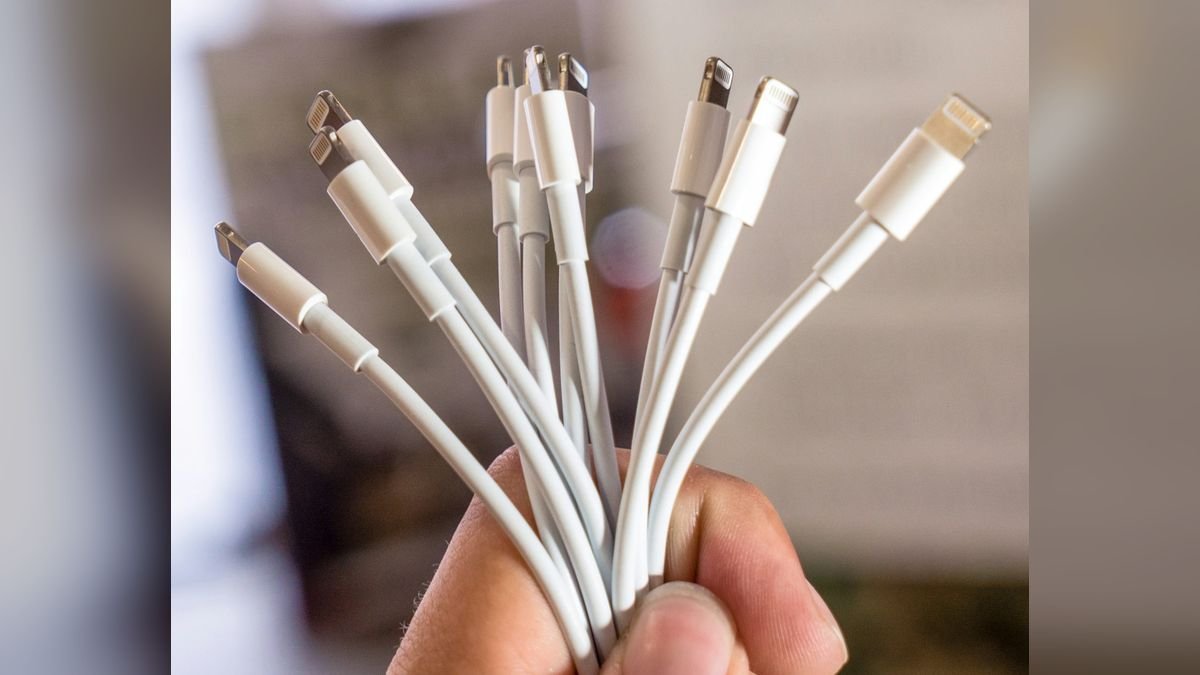
First, work out which "not turning on" problem you have
People use the phrase "iPhone not turning on" for four very different situations, and each has different causes:
- Completely dead: black screen, no vibration, no sound, no response to charging.
- Screen black but phone is alive: you hear notification sounds or feel vibrations, or the phone rings when someone calls.
- Stuck on the Apple logo: the white Apple logo stays, or the phone restarts again and again (a boot loop).
- Turns on only when plugged in: it dies the moment you unplug the charger.
Pick the one that matches your phone and read the matching causes below.
14 reasons your iPhone will not turn on
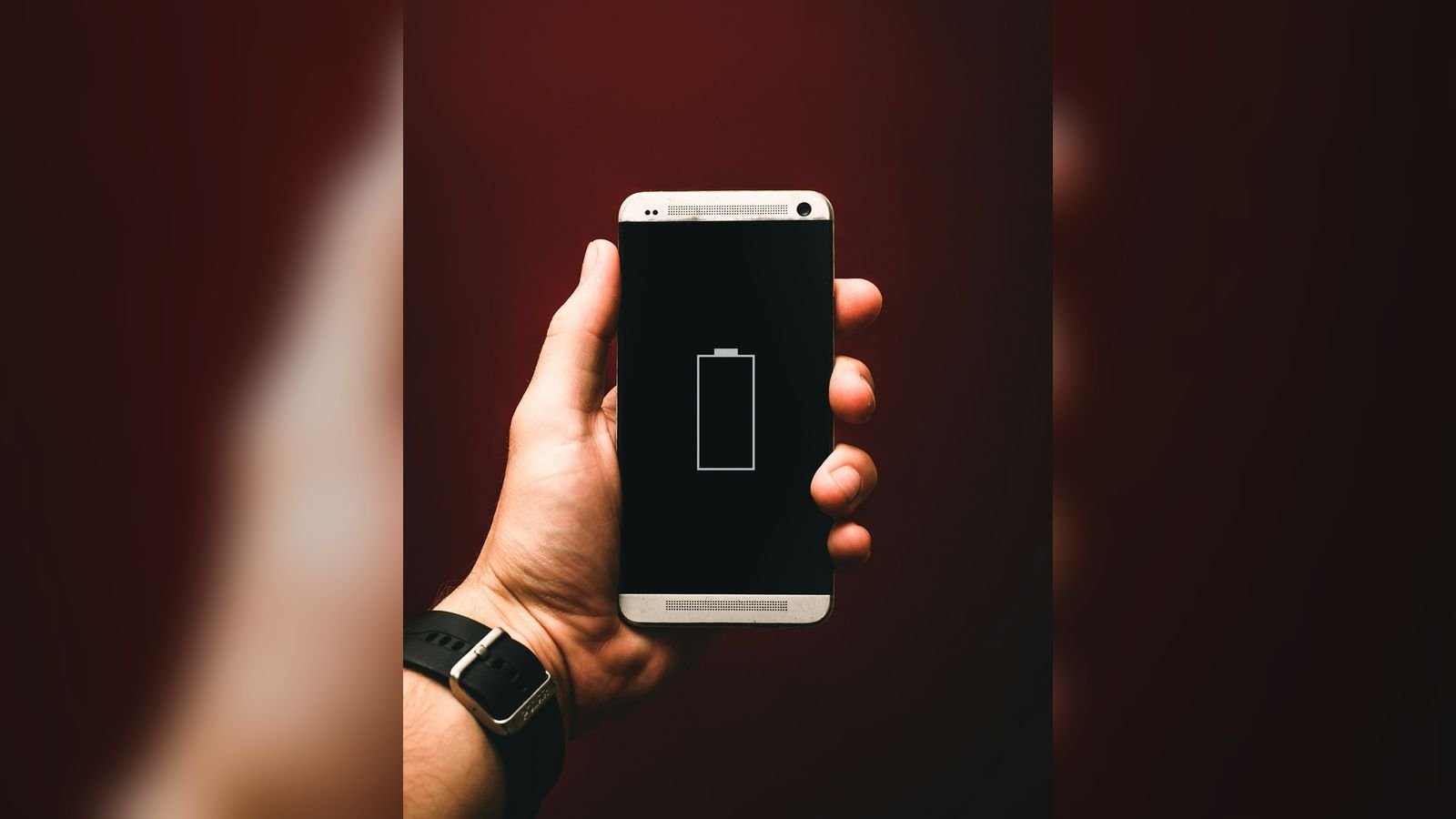
1. The battery is completely drained
If the phone has been at 0% for days, it can take 15 to 30 minutes on a charger before it even shows a charging symbol. This is normal and not a fault. Be patient before assuming the worst.
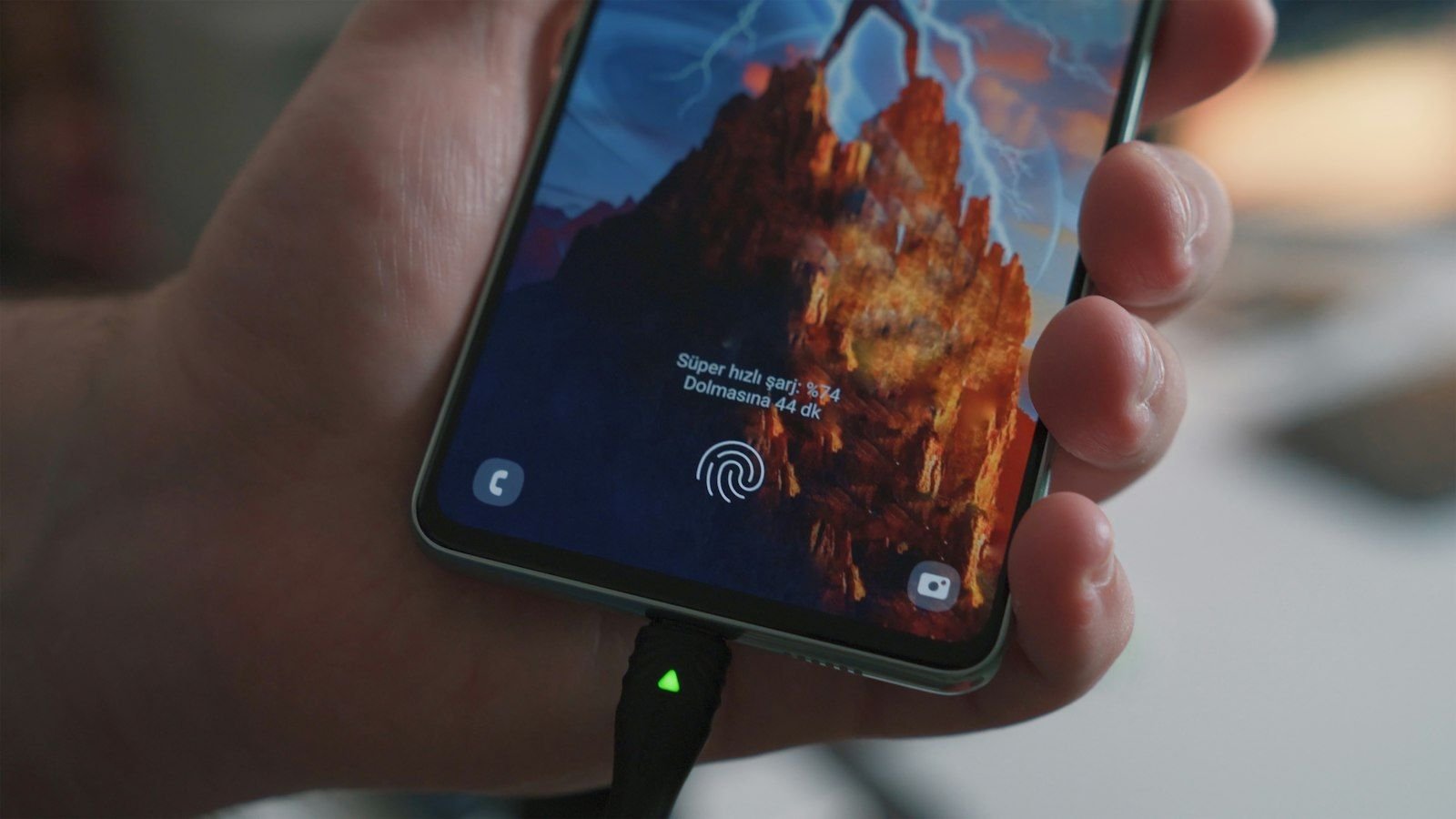
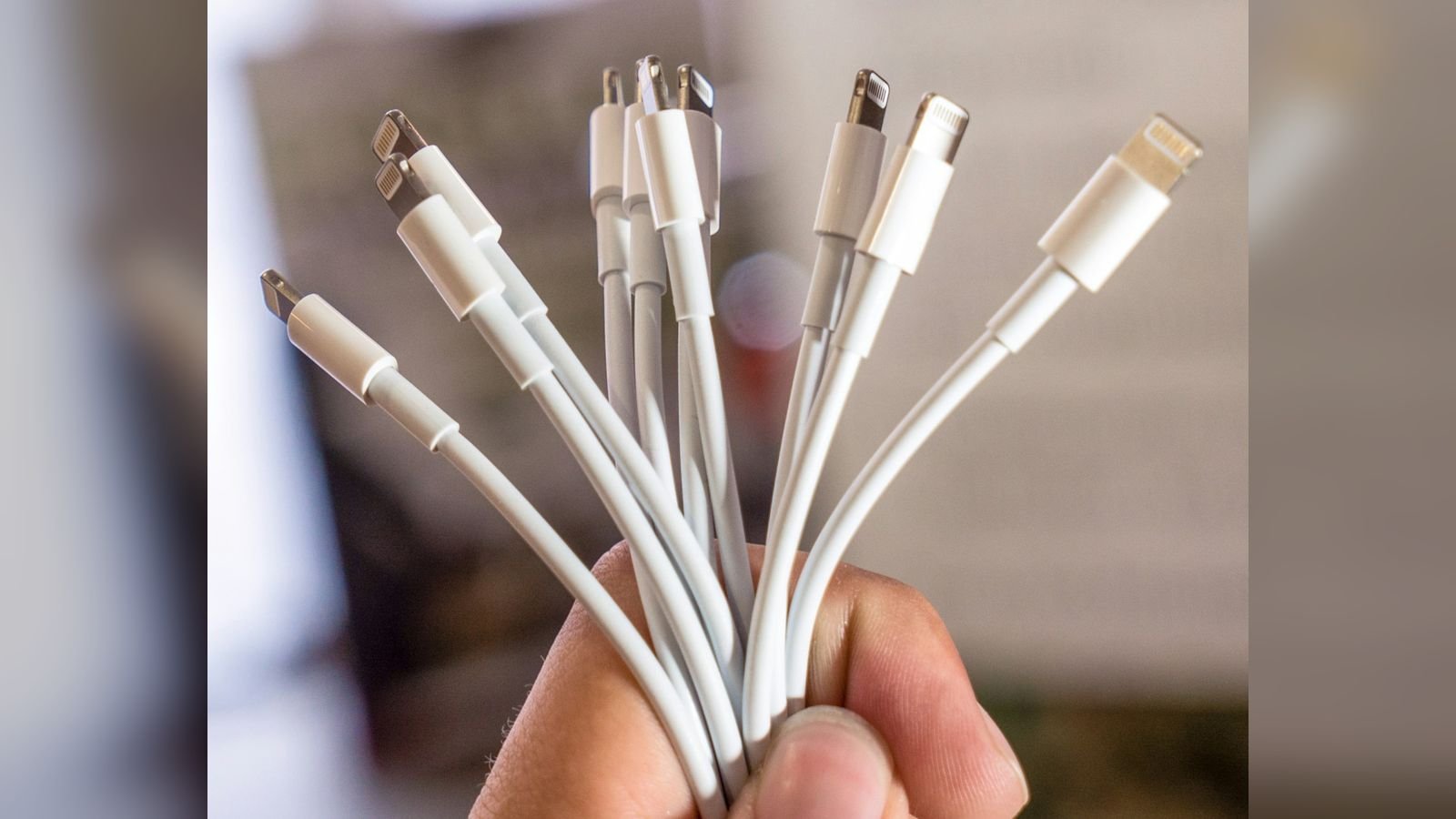
2. A faulty cable or adapter
A frayed Lightning cable (iPhone 11 to iPhone 14) or a worn USB-C cable (iPhone 15 onwards) may look fine but not carry power. Cheap chargers also fail to meet the voltage the phone expects. Always test with a cable and adapter that you know are good.
3. Lint or dust in the charging port
Pocket lint compresses into the port over months and stops the cable seating fully. The phone appears to be "plugged in" but never charges. A careful clean often fixes it instantly. If the port is bent or loose, read our guide to iPhone charging port repair in Delhi.
4. A temporary software crash
iOS can freeze so completely that the phone looks dead. A force restart (shown in the next section) clears this in ten seconds.
5. A failed iOS update
If the phone died during an update, or the update ran out of storage, it may hang on the Apple logo or on a black screen. This needs recovery mode rather than a normal restart.
6. A worn-out battery
Batteries lose capacity with every charge cycle. Once the cell is badly degraded, the phone can shut down suddenly and refuse to power up again, especially in cold weather or when the battery percentage drops quickly. Our iPhone battery replacement guide explains the warning signs.
7. A damaged display or display cable
Sometimes the phone is fully on but the screen is dead. Test it: ask someone to call you, or press the volume buttons and listen for the sound. If the phone rings or makes the screen-recording beep, the problem is the display, not the power. This is a screen replacement job; see our iPhone repair in Delhi page for the services we offer.
8. Liquid damage
Even a phone rated IP68 can fail after monsoon rain, a drop in the washroom or spilled tea. Moisture corrodes the board slowly, so the phone may work for days and then die. If you suspect water, do not keep trying to charge it. Read how to deal with a water-damaged device immediately.
9. A drop that loosened an internal connector
A hard fall can disconnect the battery or display flex cable even when the glass looks perfect. The phone seems dead until the connector is reseated by a technician.
10. A swollen or damaged battery
If the screen is lifting at the edges or the back panel is bulging, stop using the phone. A swollen battery is a safety risk and must be replaced immediately, not charged.
11. A power management chip or motherboard fault
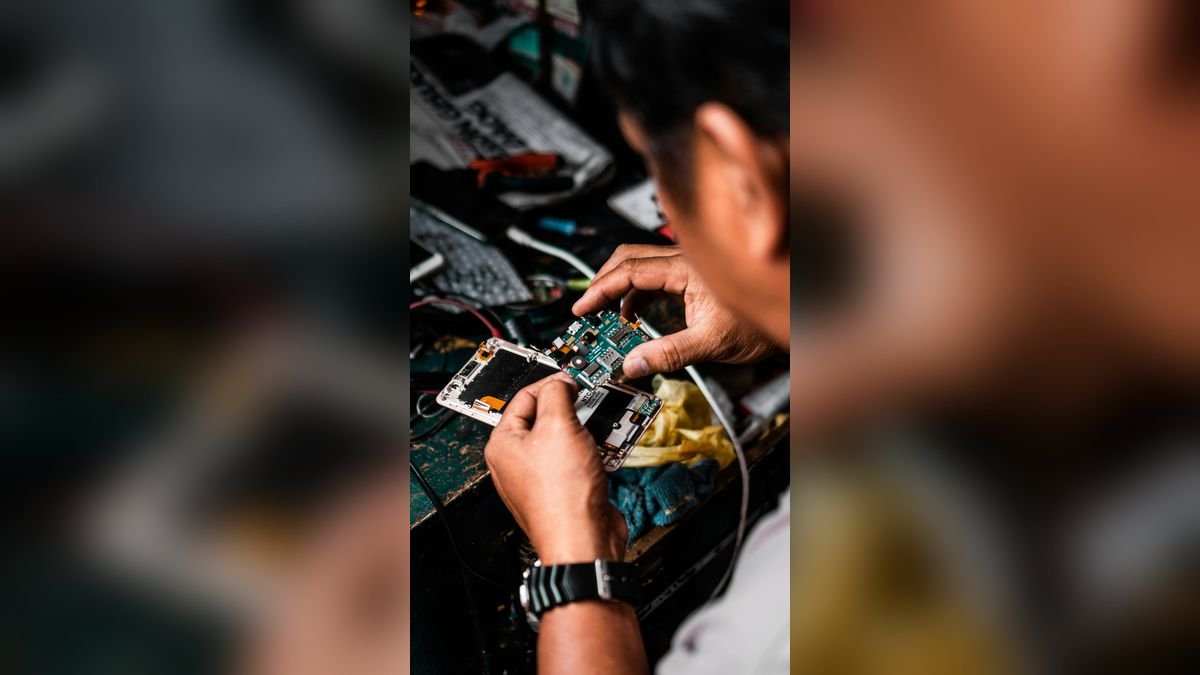
When nothing else explains a dead phone, a short on the board or a failed power IC is the usual culprit. These faults need micro-soldering equipment and microscope work.
12. Storage (NAND) or logic failure
Rarely, the phone turns on partially, shows the Apple logo, and then loops forever because the system storage cannot be read. This is a serious board-level fault and data recovery becomes the priority.
13. Extreme heat or cold
iPhones are designed to work in ambient temperatures between 0°C and 35°C. A phone left on a dashboard in a Delhi summer, or taken from a very cold environment, may refuse to start until it returns to a normal temperature. Let it rest in a shaded, room-temperature spot for 30 minutes.
14. A faulty button or hardware key
If the side button is jammed, the phone may never receive the "power on" signal. Dirt, liquid or a bent frame can cause this.
What to try at home, step by step
Step 1: Charge for at least 30 minutes with a known-good set
Use a good-quality, certified cable and a 20W adapter, plugged into a wall socket rather than a laptop or power bank. Look for the charging screen or listen for the charging sound. Leave it for 30 full minutes even if nothing appears.
Step 2: Clean the charging port gently
Switch off the lights, shine a torch into the port, and look for lint. Use a wooden toothpick, never a metal pin, and move only along the edges. Do not push into the centre, where the delicate contacts are.
Step 3: Try wireless charging
Every iPhone from the iPhone 11 onwards supports wireless charging. Place the phone on a MagSafe or Qi charger. If it starts charging wirelessly but not by cable, the charging port is the problem, not the battery.
Step 4: Force restart
On iPhone 11 to iPhone 18, quickly press and release Volume Up, quickly press and release Volume Down, then press and hold the Side button until the Apple logo appears. This can take up to 10 seconds, so keep holding. This step is safe and never erases data.
Step 5: Use recovery mode if it is stuck on the logo
Connect the phone to a Mac (Finder) or a Windows PC (Apple Devices or iTunes) using a cable. Perform the same Volume Up, Volume Down, Side button sequence but keep holding the Side button until the recovery-mode screen appears. When prompted, choose Update, not Restore. Update tries to reinstall iOS without erasing your data. Choose Restore only as a last resort, because it wipes the phone.
Step 6: Look for signs of life
Plug in the charger, wait a few minutes, then hold a light to the screen at an angle. Sometimes the display shows a faint image even when the backlight has failed, which points to a display repair rather than a dead phone.
Symptom guide: what it probably means
| What you see | Most likely cause | What to do |
|---|---|---|
| Black screen, no response, not charging | Drained battery, faulty cable, or battery/board failure | Charge 30 minutes with a good set, then force restart |
| Phone rings or vibrates but screen is black | Display or display cable fault | Screen replacement |
| Apple logo, then restarts again and again | Failed update or storage problem | Recovery mode (Update first) |
| Works only while plugged in | Worn-out or failing battery | Battery replacement |
| Charges by wireless but not by cable | Charging port damage or lint | Port cleaning or repair |
| Phone dead after rain or spill | Liquid damage | Stop charging; bring it in immediately |
| Phone hot and back panel bulging | Swollen battery | Stop using; urgent replacement |
When you should stop and visit a repair shop
Come in straight away if any of these are true:
- The phone fell into water or was exposed to rain, tea, juice or a washroom floor.
- The screen is lifting, the back is bulging or the phone smells of burning.
- Recovery mode keeps failing with an error code.
- The phone stays black even after 30 minutes of charging and a force restart.
- You need your data and have no backup.
Continuing to try restores and chargers on a damaged board can cause more harm. A technician can test the phone with a lab power supply, which shows exactly how much current the phone draws and whether the fault is a short circuit, a dead battery or something else.
How we diagnose a dead iPhone at Toughees Telecom
At our Safdarjung Enclave workshop, a dead iPhone goes through a systematic check:
- External inspection for bent frames, liquid indicators and corrosion in the port and SIM tray.
- Power supply test to read the current drawn by the phone on a controlled lab supply.
- Battery and display swap test using known-good parts to isolate which component has failed.
- Board inspection under a microscope for shorts, corrosion or damaged chips.
- Quote and approval – you are told the cause and price in writing before any repair.
We fit genuine parts and back every repair with a 3 to 6 months warranty, depending on the repair. Diagnosis is free.
What does it cost to fix an iPhone that will not turn on?
The cost depends entirely on the cause. As a rough guide: a software restore or recovery costs ₹500 to ₹1,500; a battery replacement ₹2,200 to ₹5,800 depending on model; a charging port repair ₹1,800 to ₹4,500; a screen replacement ₹3,500 to ₹23,000; and a motherboard repair ₹3,500 to ₹18,000. See our full iPhone repair price list for Delhi for every model. If the repair would cost more than the phone is worth, we will tell you honestly, and you can read our view in is it worth repairing an iPhone.
How to protect your iPhone from dying suddenly
- Turn on iCloud Backup so your data is safe even if the phone dies.
- Avoid leaving the phone in a hot car or in direct Delhi sunlight.
- Replace the battery once Battery Health falls below about 80%.
- Use quality chargers and cables, not roadside ones.
- Keep the charging port clean and avoid charging in your pocket.
- Never ignore overheating; read our guide to iPhone overheating causes and repair.
Get your dead iPhone checked today
Bring it to Toughees Telecom, Shop #7, Basement, Main Road, Block B-7, Arjun Nagar, Safdarjung Enclave, New Delhi, or call +91 99715 85123. You can also send a message on WhatsApp or use our contact page. We offer free pickup and drop within 5–7 km across Green Park, Hauz Khas, AIIMS, Sarojini Nagar and Bhikaji Cama Place; see all areas we serve.
Frequently Asked Questions About iPhone Not Turning On
Why is my iPhone not turning on even after charging?
If an iPhone does not turn on after 30 minutes of charging with a good cable and adapter, the cause is usually a faulty charging port, a worn-out battery, a display fault or a board-level problem. A force restart is the first thing to try; if that fails, the phone needs professional diagnosis.
How do I force restart an iPhone 11 to iPhone 18?
Quickly press and release Volume Up, then Volume Down, then press and hold the Side button until the Apple logo appears. Keep holding for up to 10 seconds. This is safe and does not erase any data.
My iPhone screen is black but it still vibrates. What is wrong?
If the phone vibrates or rings but the screen stays black, the display or its cable is most likely damaged. The phone is working; only the screen needs repair or replacement.
My iPhone is stuck on the Apple logo. How do I fix it?
Connect it to a computer and enter recovery mode, then choose Update, not Restore. Update reinstalls iOS without erasing your data. If recovery fails, the storage or board may be faulty and the phone should be checked by a technician.
Can a dead iPhone be repaired without losing data?
Usually yes. Most dead-phone causes, such as the battery, charging port and display, can be repaired without touching your data. For board-level faults our technicians can often recover the data as well.
How much does it cost to repair an iPhone that will not turn on in Delhi?
Costs range from about ₹500 for a software fix to ₹18,000 for a motherboard repair. The most common fixes, such as a battery replacement (₹2,200–₹5,800) or a charging port repair (₹1,800–₹4,500), fall in the middle. Diagnosis is free at Toughees Telecom.
Is it dangerous to charge an iPhone that will not turn on?
It is safe to charge a drained phone normally. But if the phone is hot, the battery is swollen or it has been in water, stop charging and bring it to a repair shop, because charging a damaged battery can be dangerous.
Will a new battery fix a dead iPhone?
If the battery is the cause, yes. A technician can confirm this quickly by testing the phone with a known-good battery or a lab power supply before you spend any money.
Why does my iPhone only turn on when plugged in?
That is a classic sign of a worn-out or damaged battery that can no longer hold charge. Replacing the battery normally cures the problem completely.
My iPhone fell in water and will not turn on. What should I do?
Switch it off, do not charge it, do not put it in rice, and bring it to a repair shop as quickly as possible. The faster the board is cleaned, the better the chance of full recovery.
How long does it take to fix an iPhone that will not turn on?
Software fixes and battery or charging port repairs usually take under an hour. Water damage and motherboard repairs can take one to three days depending on the fault.
Do you provide a warranty on iPhone repairs?
Yes. Every repair at Toughees Telecom carries a 3 to 6 months warranty depending on the repair, and we use genuine parts.