A warm iPhone is normal. A phone that is too hot to hold, dims its screen, shows a temperature warning or shuts down is not. iPhone overheating is one of the most searched phone problems in Delhi, especially from April to September, when outside temperatures cross 40°C and the phone is expected to survive pockets, scooters and sunny dashboards. In this guide we explain exactly why an iPhone overheats, how to tell harmless warmth from a real fault, the fixes you can safely try at home on any model from the iPhone 11 to the iPhone 18 series, and when overheating points to a failing battery or a board problem that needs a technician.
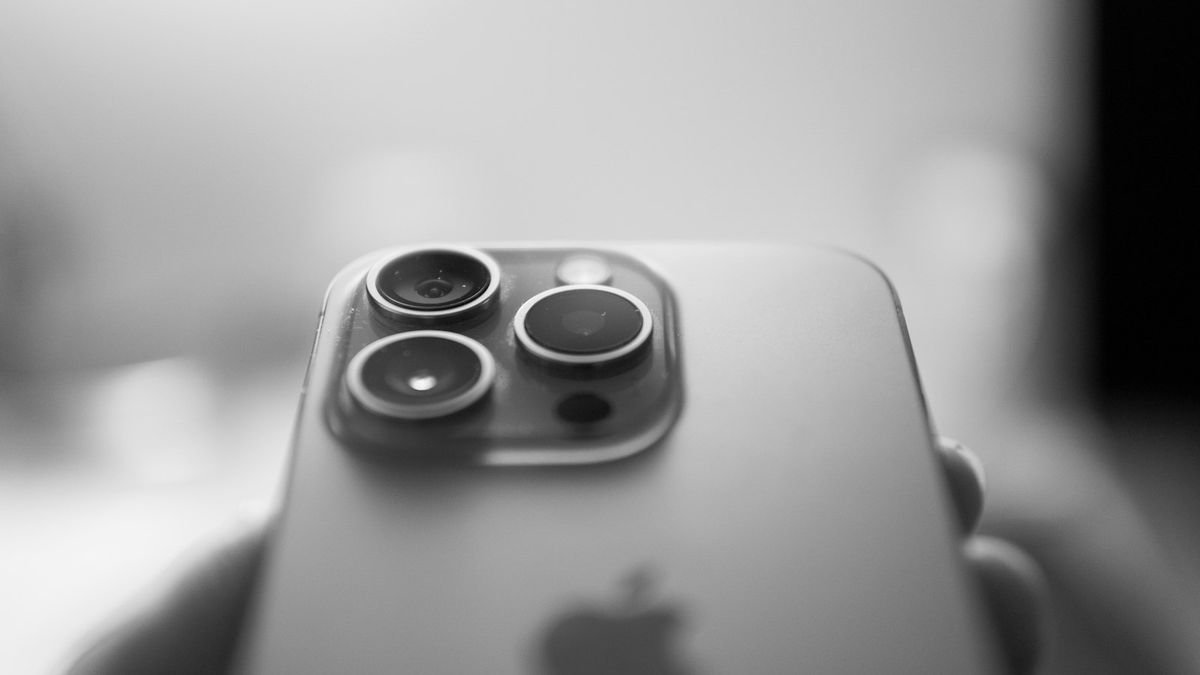
What temperature is normal for an iPhone?
Apple designs iPhones to work in ambient temperatures between 0°C and 35°C. Inside the phone, the processor, modem, camera and battery all generate heat when they work hard. The metal or glass body spreads that heat so the phone feels warm, usually around 38–42°C on the surface, and that is perfectly fine during gaming, video calls, navigation or fast charging.
Overheating begins when the phone cannot get rid of heat as fast as it makes it. At that point iOS protects the hardware: the screen dims, charging slows or stops, the camera flash turns off, and finally you see the message "iPhone needs to cool down before you can use it." That warning means the temperature has crossed the safe limit, so do not ignore it.
13 reasons your iPhone is overheating
1. Hot weather and direct sunlight
Leaving the phone on a car dashboard, in a scooter holder under the sun or on a balcony in a Delhi summer is the number one cause. The phone starts hot, and any activity pushes it over the limit.
2. Charging while using the phone
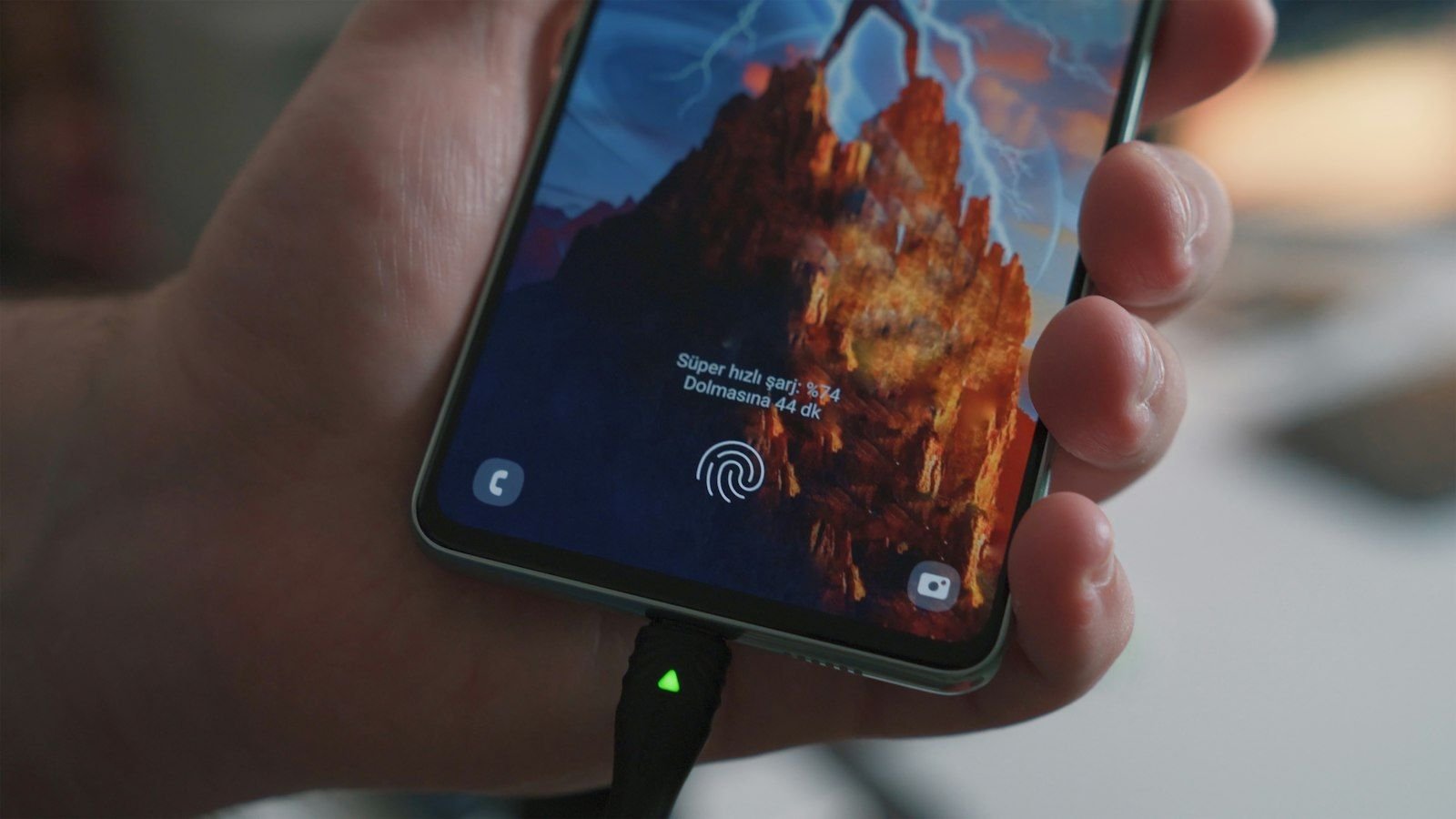
Charging produces heat in the battery, and gaming or video produces heat in the processor. Doing both at once, especially with a fast charger, stacks the two. Charging under a pillow or inside a thick case makes it worse because the heat has nowhere to escape.
3. A thick case that traps heat
Rugged silicone or leather wallet cases insulate the phone. If your iPhone only overheats when it has a case on, the case is part of the problem, particularly during wireless or MagSafe charging.
4. Heavy apps and gaming
Graphics-heavy games, 4K video recording, hotspot sharing and long video calls keep the processor near its limit. Even the latest iPhone 17 Pro and iPhone 18 chips get hot after long sessions.
5. Poor signal or weak 5G
When the signal is weak, the modem boosts its power to hold the connection. In basements and lifts the phone can become noticeably warm without you doing anything. Try turning off 5G in a poor-coverage area.
6. Background activity after an iOS update
After a major update, the phone re-indexes photos, apps and Spotlight for a day or two. The phone may stay warm and drain quickly during this period, then settle back to normal.
7. A misbehaving app
One buggy app stuck in a loop can keep the processor busy even when the phone is "idle". Check Settings → Battery to see which app used the most power.
8. A cheap or faulty charger
Uncertified chargers deliver unstable voltage, which heats the battery and charging circuit. This is also one of the most common reasons for long-term battery damage.
9. A degraded battery
Old batteries have higher internal resistance, so they heat up more during charge and discharge. If your iPhone is two or three years old, battery health is below 80% and the phone gets hot with ordinary use, the battery is a prime suspect. Read about iPhone battery replacement in Delhi.
10. A swollen battery
This is dangerous. A swelling battery pushes the screen up or bulges the back, and the phone becomes hot even without use. Stop using the phone and replace the battery immediately.
11. Liquid damage and corrosion
Corroded circuits can leak current and cause hot spots on the board. If the phone ever got wet, even months ago, this may be the cause. See how to deal with a water-damaged device.
12. A damaged charging port
A bent or dirty port that makes poor contact creates resistance, which makes heat at the port itself. If the hot spot is exactly at the bottom of the phone, check the port. Our charging port repair guide covers this.
13. A short on the motherboard
If the phone is hot with the screen off, drains from 100% to 20% overnight and heats at one specific spot, a short circuit on the logic board is likely. This needs micro-soldering repair.
Is an overheating iPhone dangerous?
Temporary warmth during heavy use is harmless. Repeated overheating shortens battery life, because lithium-ion cells age much faster when they are hot. It can also permanently reduce your Battery Health percentage within months. You should treat it as dangerous if you notice any of the following:
- The back panel or screen is bulging or lifting.
- A chemical or burning smell.
- The phone is too hot to touch even after being switched off for 10 minutes.
- Smoke or discolouration around the frame.
In that case, switch the phone off, move it away from anything flammable, do not charge it, and bring it to a repair shop the same day.
How to cool down an overheating iPhone safely
- Stop what you are doing and close all heavy apps.
- Take the case off so heat can escape.
- Move to shade or an air-conditioned room and let the phone rest.
- Switch to Airplane mode for a few minutes if the signal is weak.
- Do not put it in the fridge or freezer. Sudden cooling causes condensation inside the phone and can short the board. Room temperature is enough.
- Unplug the charger and let the phone cool before charging again.
Everyday habits that stop iPhone overheating
- Do not play heavy games while charging.
- Use a certified charger and cable.
- Remove thick cases during wireless charging.
- Turn on Optimised Battery Charging in Battery Health settings.
- Keep iOS and apps updated; many updates fix heating bugs.
- Close apps that use background location and refresh.
- Never leave the phone in a parked car.
- Reduce screen brightness outdoors and use auto-brightness.
Model-wise heating notes: iPhone 11 to iPhone 18
| Model range | Typical heating cause | What helps |
|---|---|---|
| iPhone 11, 12 | Aging battery, weak signal | Battery replacement, remove case when charging |
| iPhone 13, 14 | Gaming, MagSafe charging with thick case | Use a thin case; charge by cable on hot days |
| iPhone 15, 16 | Fast USB-C charging while using the phone | Avoid use during fast charge; use a certified adapter |
| iPhone 17, iPhone Air | Long 4K/ProRes video and gaming sessions | Take short breaks; shade from direct sunlight |
| iPhone 18 series | Heavy on-device features after setup | Allow the first few days of indexing to finish |
When overheating needs a repair
You should have the phone examined if it overheats while idle, becomes hot at one particular spot, loses battery rapidly, or keeps shutting down on its own. Here is what we usually find and fix:
| Finding | Repair | Indicative cost in Delhi |
|---|---|---|
| Battery health under 80% | Battery replacement | ₹2,200 – ₹5,800 |
| Swollen battery | Urgent battery replacement | ₹2,200 – ₹5,800 |
| Damaged or dirty port | Port cleaning or replacement | ₹1,800 – ₹4,500 |
| Liquid corrosion on board | Ultrasonic cleaning and part replacement | ₹2,500 – ₹9,000 |
| Short circuit on board | Micro-soldering repair | ₹3,500 – ₹18,000 |
See our complete iPhone repair price list for the rest. These are indicative ranges; the final price is confirmed after a free diagnosis.
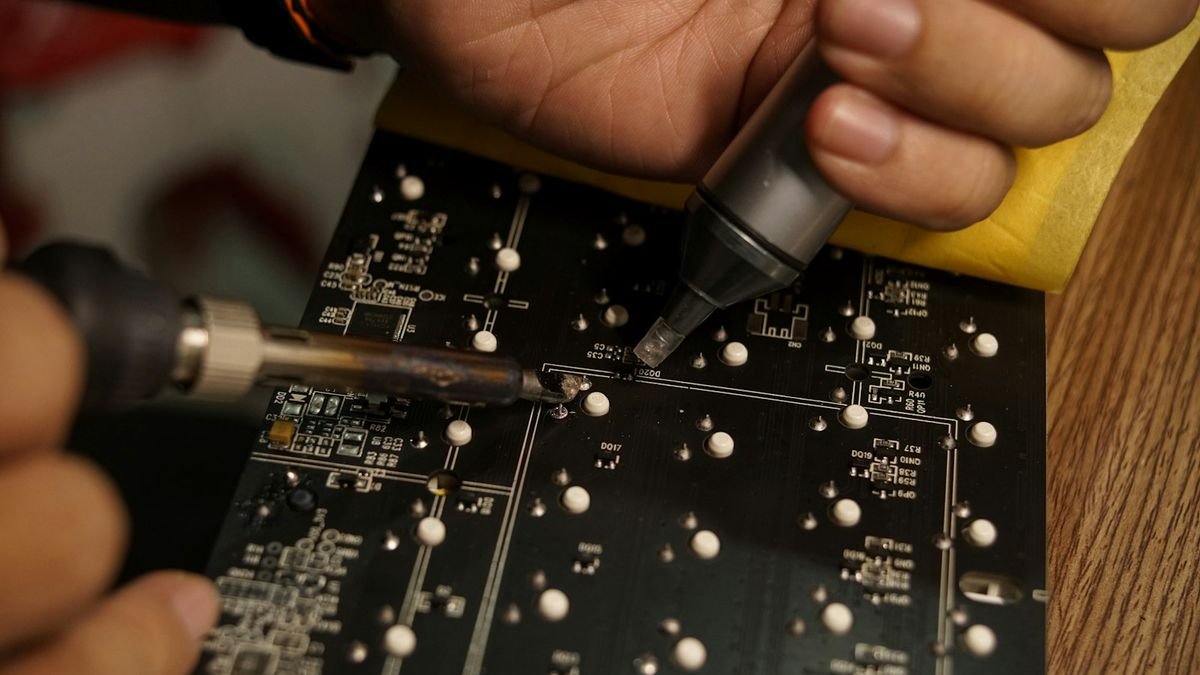
How we fix iPhone overheating at Toughees Telecom
Overheating is a symptom, so we find the cause before replacing anything:
- Battery health and load test to see whether the battery heats under charge and discharge.
- Thermal inspection of the board to find hot spots that point to a short.
- Port and charging circuit check for dirt, bent pins or damaged flex.
- Software review for apps or settings that keep the processor busy.
- Repair with genuine parts and a full test before handover.
Every repair carries a 3 to 6 months warranty, depending on the repair. Visit our iPhone repair in Delhi page for all services, or read what customers say in our testimonials.
Overheating while charging: wired, wireless and MagSafe compared
Many people tell us the iPhone only gets hot "when I charge it". How you charge makes a real difference to how much heat the phone has to handle:
- Wired charging with a certified 20W adapter is the most efficient. Very little energy is wasted as heat, and the heat stays near the port.
- Fast charging at higher wattage (for example 30W or more on an iPhone 15, 16, 17 or 18) pushes more current in during the first half of the charge. Warmth during the first 30 minutes is normal; the phone slows down automatically after 80%.
- Wireless and MagSafe charging is convenient but less efficient. Energy that does not reach the battery turns into heat in both the charger and the back of the phone. A thick case or a metal plate behind the phone makes this worse.
- Charging from a laptop USB port or a cheap power bank gives unpredictable current and can heat the charging circuit.
On very hot days in Delhi, switch to wired charging with a certified adapter, take the case off, and place the phone on a hard, cool surface instead of a bed or sofa. That one change cures most "heats only while charging" complaints.
Beating the Delhi summer: practical tips for scooter, car and office
From April to September the ambient temperature outside is often above the 35°C limit the iPhone is designed for. A few habits protect the phone:
- Scooter and bike mounts: direct sun on a handlebar mount plus navigation plus charging is the worst combination. Use a shade cover and avoid charging from the bike while navigating in the afternoon.
- Car dashboard: never leave the phone on the dashboard or in a closed car. Interiors easily reach 60°C and the battery can be permanently damaged within minutes.
- Pocket and bag: a phone left in a pocket on a hot day gets body heat from one side and sun from the other. Carry it in a bag in the shade when possible.
- Office and metro: hot buses, crowded metro platforms and non-air-conditioned shops raise the starting temperature; keep brightness low and close heavy apps.
Common myths about iPhone overheating
- "Rice or the freezer will cool it": neither helps, and rapid cooling can cause condensation inside the phone.
- "Closing all apps from the app switcher stops heating": iOS manages background apps well; force-closing everything can actually make the phone work harder when it relaunches them. Close only apps that are clearly misbehaving.
- "A hot phone just needs a new battery": sometimes true, but heat can also come from the port, the board or software. Test first before spending.
- "Newer iPhones never overheat": every model, including the iPhone 17 Pro and iPhone 18, gets hot under sustained heavy load. Newer chips are efficient but also more powerful.
If you want to know whether the battery really is the cause, check Settings → Battery → Battery Health & Charging. A maximum capacity under 80%, or a "Service" message, usually means a replacement will lower the heat noticeably.
Visit us or book free pickup
We are at Shop #7, Basement, Main Road, Block B-7, Arjun Nagar, Safdarjung Enclave, open Monday to Saturday, 10 AM to 8 PM. Call +91 99715 85123 or WhatsApp us. We offer free pickup and drop within 5–7 km, including Green Park, Hauz Khas, AIIMS and Sarojini Nagar; see areas we serve or use the contact page.
If your phone is also not switching on, read iPhone not turning on: causes and fixes.
Frequently Asked Questions About iPhone Overheating
Why is my iPhone getting so hot suddenly?
Sudden heating is usually caused by hot weather, heavy apps, charging while using the phone, a weak signal or a misbehaving app after an update. If it heats up with no use at all, suspect the battery or the board.
Is it normal for an iPhone to get hot while charging?
Mild warmth during charging is normal, especially with fast charging. It becomes a concern if the phone is too hot to hold, charging stops or you see a temperature warning. Remove the case and avoid using the phone while it charges.
Can overheating damage an iPhone permanently?
Yes. Repeated overheating ages the battery faster and can lower Battery Health permanently. Extreme heat can also damage the display and internal components.
Should I put my hot iPhone in the fridge?
No. Rapid cooling can cause condensation inside the phone and short the board. Let it cool naturally in a shaded, room-temperature place instead.
Why does my iPhone get hot when the screen is off?
A phone that heats with the screen off usually has a background app stuck in a loop, a weak-signal problem, a failing battery or a short on the board. If it continues after a restart and update, get it diagnosed.
Does iOS update cause overheating?
For a day or two after a big update the phone re-indexes data in the background and may feel warm. It should settle. If it stays hot for more than three days, restart it and check for a follow-up update.
Does a case make an iPhone overheat?
Thick insulating cases trap heat, especially during wireless charging. If heating is worse with the case on, switch to a thinner one or remove it while charging.
Is my iPhone battery swollen if it is hot and the screen lifts?
That is a strong sign of a swollen battery. Stop using and charging the phone immediately and have the battery replaced the same day. It is a safety risk.
How much does it cost to fix iPhone overheating in Delhi?
It depends on the cause. A battery replacement costs ₹2,200 to ₹5,800, a charging port repair ₹1,800 to ₹4,500, and board-level repairs ₹3,500 to ₹18,000. Diagnosis at Toughees Telecom is free.
Why does my iPhone get hot while playing games?
Games push the processor and graphics chip to the limit, which generates heat. Taking breaks, lowering graphics settings, removing the case and not charging while playing all help.
Can bad charging cables cause iPhone overheating?
Yes. Uncertified cables and adapters can deliver unstable power that heats the charging circuit and battery. Always use a certified charger and cable.
Does Toughees Telecom give warranty on iPhone battery and board repairs?
Yes. We use genuine parts and give a 3 to 6 months warranty on repairs, depending on the repair type.