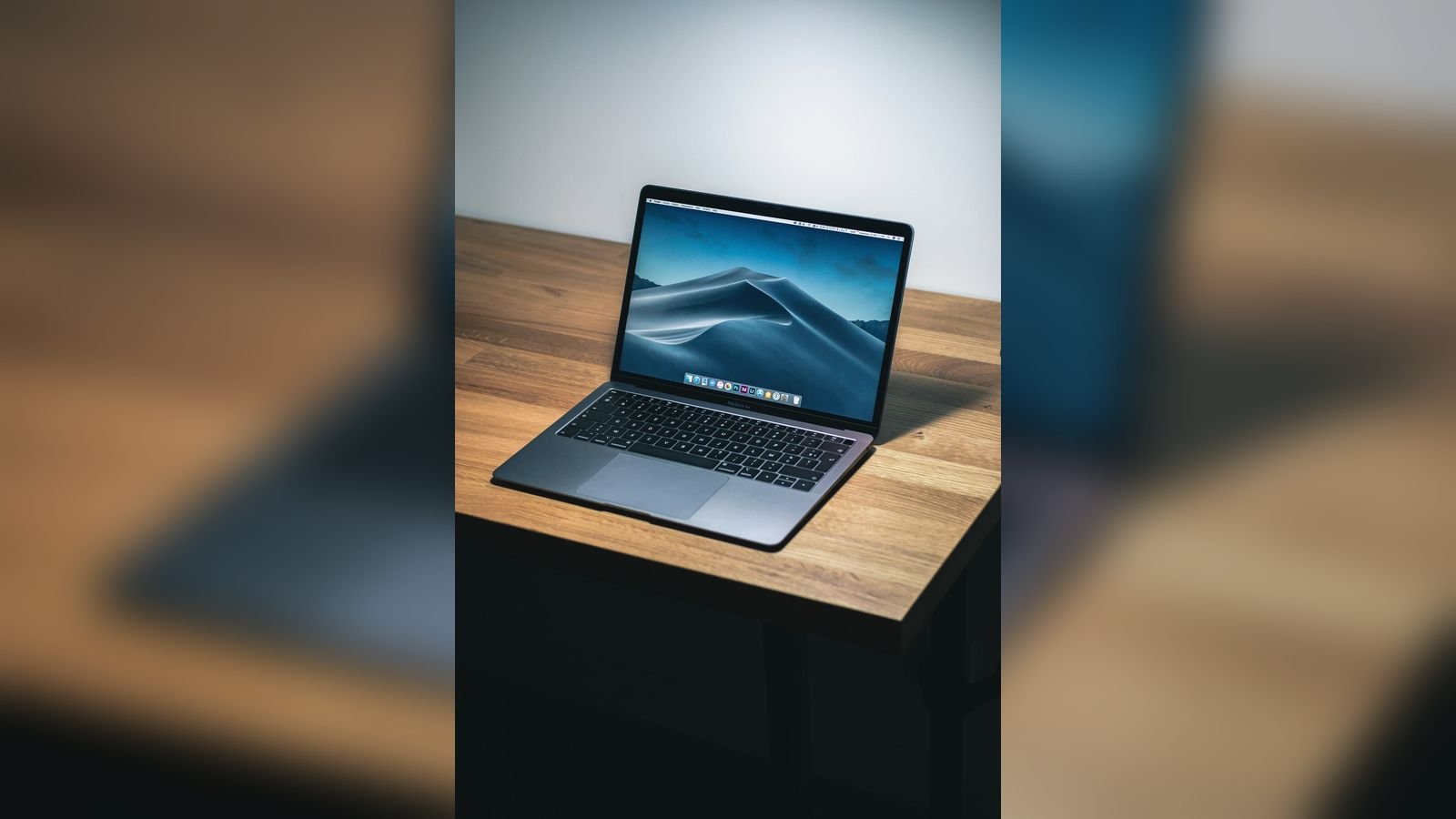
Your MacBook used to last a full day away from the charger. Now it drops from 100% to 40% while you answer a few emails, or it shuts down at 30%, or you notice the menu bar says "Service Recommended". Perhaps the trackpad has become hard to click, or the laptop no longer sits flat on the desk. These are the classic signs of an ageing or swollen MacBook battery. This guide shows you how to check your battery's real health in two minutes, explains cycle count and what it means, lists the 10 warning signs of a failing battery, describes the safety risk of a swollen battery, and explains what a MacBook battery replacement in Delhi costs and how we do it at Toughees Telecom.
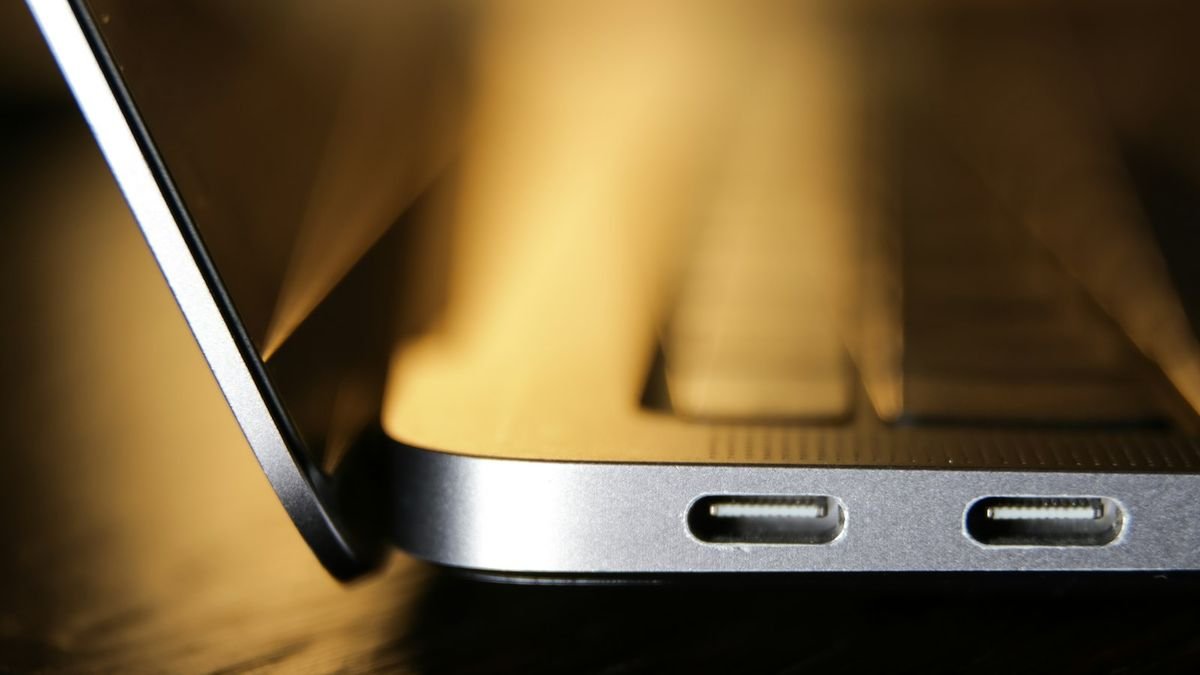
How MacBook batteries age
Every MacBook uses a lithium-polymer battery that slowly loses capacity with use. The two things that age it most are charge cycles and heat. A charge cycle is counted when you have used an amount of battery equal to 100% of its capacity, not necessarily in one go; using 50% on one day and 50% the next counts as one cycle. Apple designs most current MacBooks to retain up to 80% of their capacity at 1,000 cycles, while older models were rated for fewer cycles. A student who charges daily reaches 1,000 cycles in about three years, a casual user in five or more.
Heat is the silent killer. A MacBook that is regularly used on a bed, in a hot room or inside a closed bag charges and discharges at higher temperatures, and the battery wears faster. In Delhi's summer, the damage is faster still.
How to check your battery health in two minutes
On Apple silicon MacBooks (M1, M2, M3, M4 and newer)
Open System Settings → Battery and click the small info button next to Battery Health. You will see the condition as Normal or Service Recommended, and the maximum capacity as a percentage. If capacity is below about 80%, or the status says Service Recommended, a new battery will make a real difference.
On Intel MacBooks
Click the battery icon in the menu bar while holding the Option key. The status shows Normal, Replace Soon, Replace Now or Service Battery. For more detail, hold Option and click the Apple menu, choose System Information, open Power and read the Cycle Count and Condition.
How to read the cycle count
| Cycle count | What it usually means |
|---|---|
| Under 300 | Battery is young; any problem is probably not the battery |
| 300–700 | Normal wear; battery life is gradually shrinking |
| 700–1,000 | Heavy wear; consider replacement if run time is poor |
| Over 1,000 | Beyond design life; replacement is recommended |
Cycle count is a guide, not a verdict. A MacBook with 400 cycles that has lived in a hot environment can be worse than one with 900 cycles that was well cared for, which is why we test the real capacity.
10 signs your MacBook battery needs replacing
- Battery drains very quickly, even with light use.
- Sudden shutdown at 20–40% or when you disconnect the charger.
- The status says Service Recommended, Replace Soon or Service Battery.
- The MacBook works only while plugged in.
- It will not charge, or charges to a certain percentage and stops.
- The percentage jumps, for example from 50% to 20% in a minute.
- The MacBook is hot even when idle.
- The trackpad is hard to click or seems raised. A swelling battery pushes against the trackpad.
- The case is bulging or the MacBook rocks on a flat table.
- The keyboard or bottom case is lifting or has gaps along the edges.
If the trackpad clicks poorly but there are no battery symptoms, read our guide on fixing a MacBook trackpad that is not working properly.
The danger of a swollen MacBook battery
A swollen battery is a safety risk and needs prompt attention. Lithium-polymer cells swell when gas builds up inside them, which can happen with age, heat, overcharging or damage. If you notice a bulging trackpad, a gap between the case and the keyboard or a warped bottom, follow these steps:
- Stop charging and switch the MacBook off.
- Do not press on the bulge or try to flatten it.
- Keep the MacBook on a hard, non-flammable surface away from heat, curtains and beds.
- Do not leave it charging unattended or in a bag.
- Bring it to a technician the same day. The battery must be removed carefully and never punctured.
A swollen battery can also crush the trackpad and crack the logic board, which turns a ₹5,000 battery job into a much larger repair. Do not wait.
Is it really the battery? Check these first
Some "battery problems" have other causes. We check:
- Software and background activity. A runaway app or Spotlight indexing after an update can drain the battery quickly. Check Activity Monitor → Energy.
- The charger and cable. A damaged cable or an adapter of too low a wattage will charge slowly or not at all. Use the adapter supplied with your MacBook or a quality USB-C charger of equal or higher wattage.
- The charging port. A dirty or damaged port stops charging. See our MacBook not turning on guide for power fault tests.
- Display brightness and connected devices. A bright screen and USB devices use a lot of power.
- Heat. Dust-clogged fans on Intel models cause heat that harms the battery.
MacBook battery replacement cost and time in Delhi
| MacBook | Indicative price | Typical time |
|---|---|---|
| MacBook Retina 12" / Intel Air | ₹4,500 – ₹6,500 | Same day |
| MacBook Air (M1, M2, M3 and newer) | ₹5,500 – ₹7,500 | Same day |
| MacBook Pro 13" | ₹5,500 – ₹7,500 | Same day |
| MacBook Pro 14" | ₹6,500 – ₹9,000 | Same day to 2 days |
| MacBook Pro 16" | ₹7,000 – ₹10,000 | Same day to 2 days |
These are indicative ranges for genuine batteries. On some Intel MacBooks the battery is glued into the top case, so we explain whether the job is a battery-only repair or needs additional work before we start. See the full MacBook repair price list for Delhi.
How we replace a MacBook battery at Toughees Telecom
- Free battery diagnosis. We read the cycle count, capacity and condition, test charging and look for swelling.
- Written quote and honest advice. If your issue is software or the charger, we tell you and do not sell you a battery.
- Safe opening. The bottom case is removed, the old battery is disconnected immediately and the board is protected.
- Battery removal. Adhesive is released carefully so cells are never bent or punctured.
- Fitting a genuine battery. The new battery is installed with proper adhesive and connectors, and the trackpad is checked.
- Testing. We test charging, power-on, battery reading, heat, sleep and wake, and run a load test.
- Warranty. A 3 to 6 months warranty on the repair, depending on the repair, noted on your receipt.
How to make your new MacBook battery last
- Keep Optimised Battery Charging turned on in System Settings.
- Do not use the MacBook on a bed, sofa or pillow, which blocks vents and overheats it.
- Avoid leaving the MacBook in a hot car or in direct sunlight.
- Use a charger of the correct wattage and a good cable.
- Unplug and use the battery now and then, rather than keeping it at 100% on a hot desk all day.
- Close apps you do not need and use Low Power Mode for long trips.
- Keep macOS up to date for the latest power management improvements.
- If you store the MacBook for months, leave it at about 50% charge, switched off, in a cool place.
Chargers and wattage: using the right power for your MacBook
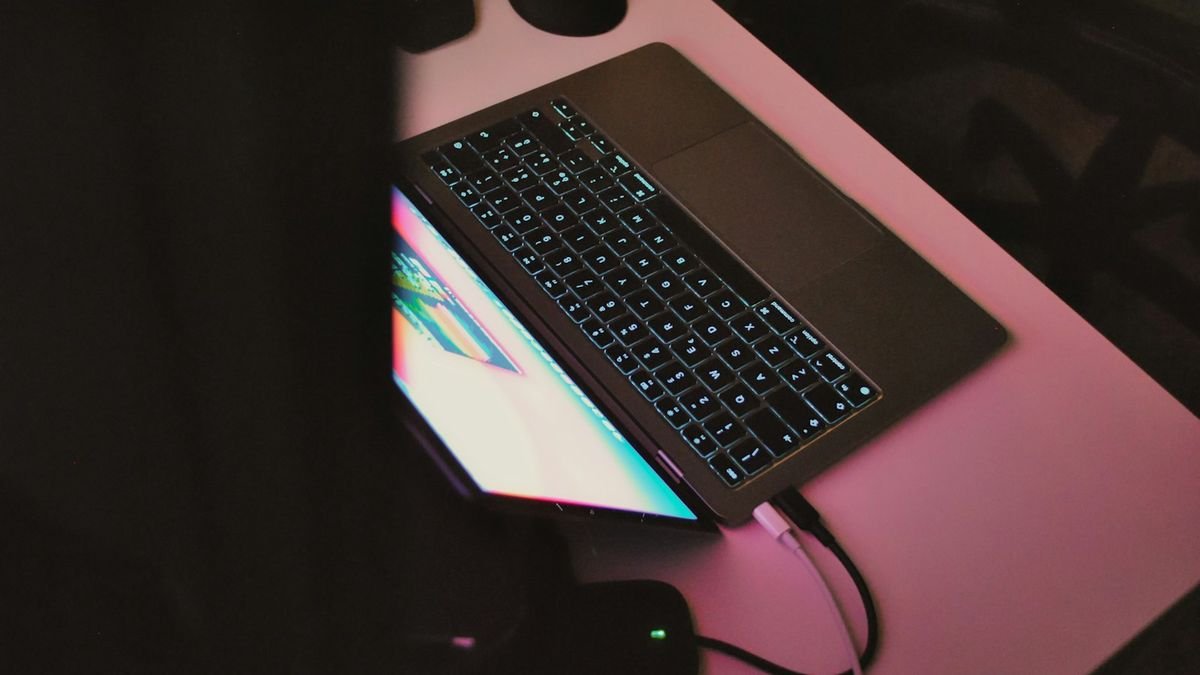
The charger you use has a big effect on how well your MacBook charges and how the battery ages. Modern MacBooks charge over USB-C or MagSafe, and each model expects a certain wattage:
| MacBook family | Typical adapter power (approx.) |
|---|---|
| MacBook Air (Intel and M-series) | 30W – 35W |
| MacBook Pro 13" | 61W |
| MacBook Pro 14" | 67W – 96W |
| MacBook Pro 16" | 140W |
A charger with lower wattage than the MacBook expects will charge slowly, or not at all while you are working, and can leave the battery constantly cycling between charge and discharge. A very cheap, uncertified charger can deliver unstable voltage and heat the battery. Use the adapter supplied with your MacBook, or a quality USB-C Power Delivery charger with at least the same wattage, and a good cable rated for that power. If the cable end gets hot or the charging indicator flickers, replace it. A damaged charging port can also stop charging; if charging works only at an angle, have the port checked.
What battery life should you expect from a healthy MacBook?
Real-world run time depends entirely on what you do. As a rough guide on a healthy battery, an M-series MacBook Air gives a full working day of browsing, documents, email and video calls, while a MacBook Pro running heavy editing, compiling or 3D work will naturally drain in a few hours. Intel MacBooks use more power than M-series models, so a battery that lasts six hours on an Intel Air is normal, while the same six hours on an M-series Air would suggest a problem. If your MacBook now delivers less than half of what it used to do for the same work, and no single app is guilty, the battery is almost certainly worn.
Battery habits that really help (and myths that do not)
- Myth: you must drain the battery fully before charging. Modern batteries do not need this; shallow cycles are gentler.
- Myth: leaving the MacBook plugged in always ruins the battery. Optimised Battery Charging reduces the harm by holding the charge at 80% when it expects you to stay plugged in. Heat is the bigger enemy than staying on charge.
- Myth: calibrating the battery monthly is necessary. macOS manages battery readings itself; calibration is not routine.
- Tip: reduce screen brightness and keyboard backlight. The display is the biggest power consumer.
- Tip: close browser tabs and heavy apps you are not using, and check Activity Monitor for energy hogs.
- Tip: keep the vents free. A MacBook used on soft surfaces gets hotter, charges slower and wears its battery faster.
Should you replace the battery or the MacBook?
| Situation | Our advice |
|---|---|
| MacBook is 3–8 years old and works well apart from the battery | Replace the battery; best value by far |
| MacBook is very old and slow in all tasks | Compare with a refurbished MacBook |
| You plan to upgrade soon | Sell your MacBook to us after a battery check |
| Battery is swollen and the trackpad is damaged | Urgent repair; ask for a full diagnosis |
Visit us or book free pickup
Bring your MacBook to Shop #7, Basement, Main Road, Block B-7, Arjun Nagar, Safdarjung Enclave, New Delhi, open Monday to Saturday, 10 AM to 8 PM. Call +91 99715 85123 or WhatsApp us with a screenshot of your battery information. We offer free pickup and drop within 5–7 km, including Green Park, Hauz Khas, AIIMS, Sarojini Nagar and Bhikaji Cama Place. See areas we serve, our MacBook repair in Delhi page and the contact page.
Frequently Asked Questions About MacBook Battery Replacement
How much does MacBook battery replacement cost in Delhi?
MacBook battery replacement in Delhi costs roughly ₹4,500 to ₹10,000 depending on the model, with older Intel Airs at the lower end and the MacBook Pro 16-inch at the upper end.
How long does it take to replace a MacBook battery?
Most MacBook batteries are replaced the same day. Some Pro models, or MacBooks where the battery is glued into the top case, may take one to two days.
How do I check my MacBook battery cycle count?
Hold Option, click the Apple menu, choose System Information, open Power and read the Cycle Count and Condition. On newer macOS, Battery Health is also in System Settings under Battery.
What does Service Recommended mean on a MacBook?
It means the battery's capacity has dropped below the level Apple expects or it has reached the end of its normal life. The MacBook still works, but run time is short and replacement is advisable.
Is a swollen MacBook battery dangerous?
Yes. It can push against the trackpad and, in rare cases, overheat or catch fire. Stop charging, switch the MacBook off, keep it on a hard surface and have the battery replaced the same day.
Can I use my MacBook without a battery?
Some MacBooks will run on the charger alone, but it is not recommended, especially with a swollen battery, because the battery still sits inside and the system may throttle. Replacement is the safe solution.
Why does my MacBook shut down at 30% battery?
A worn battery cannot deliver enough power under load, so the MacBook shuts down while still showing a charge. Replacing the battery fixes this.
Will a new battery make my MacBook faster?
If the MacBook was slowing down to protect a weak battery, a new one can restore normal performance. It restores run time and stability but does not upgrade the processor.
Does battery replacement erase my data?
No. Replacing the battery does not touch your storage. We still recommend a Time Machine backup before any repair.
Do you use genuine batteries for MacBook replacement?
Yes. We use genuine parts and give a 3 to 6 months warranty on the repair, depending on the repair type.
How long should a MacBook battery last?
Most MacBook batteries last three to five years or around 1,000 charge cycles before capacity falls to about 80%, depending on how heavily and how warmly the MacBook is used.
Do you offer pickup for MacBook battery replacement?
Yes. We offer free doorstep pickup and drop within about 5 to 7 km of our Safdarjung Enclave shop.