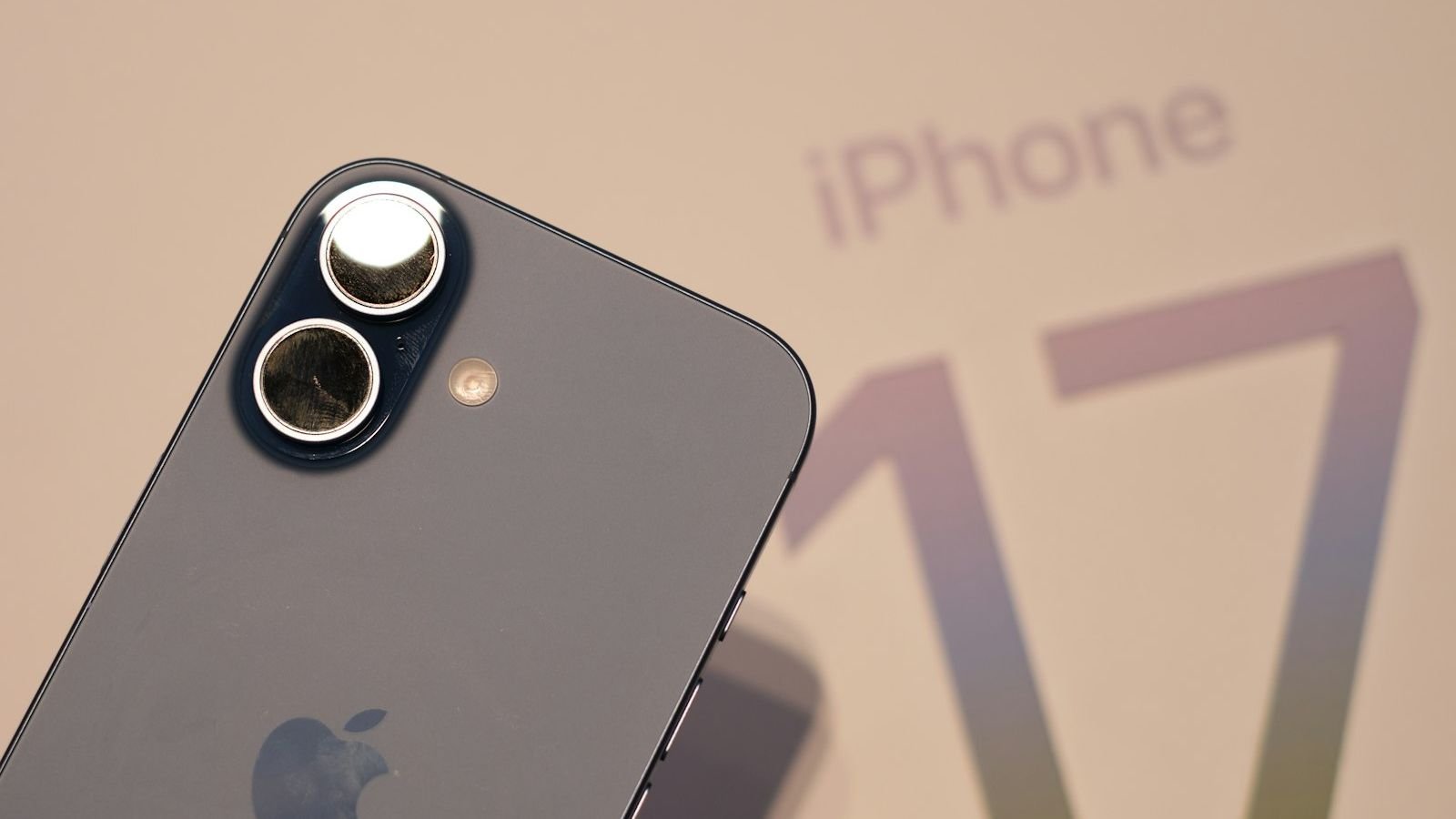
You pick up an important call and the other person says, "Hello? I can't hear you." Or you press play and the iPhone speaker crackles, sounds muffled or stays completely silent. Audio problems are among the most frustrating iPhone faults because the phone looks perfectly healthy yet cannot do its most basic job. In this guide, we explain how the speakers and microphones in the iPhone 11 to iPhone 18 series work, the 12 most common reasons they stop working, quick tests you can run in two minutes at home, and the repairs we carry out in our Safdarjung Enclave workshop when the fix needs a technician.
How iPhone audio hardware works
Understanding the layout makes troubleshooting far easier. Every modern iPhone has three audio systems:
- Earpiece speaker – the thin grille at the top of the screen. It plays your phone calls and, on current models, also acts as the second channel of the stereo speakers.
- Loudspeaker – at the bottom edge, next to the charging port. It plays ringtones, music, videos, speakerphone calls and alerts.
- Microphones – there are several: one at the bottom for calls, one near the front camera for FaceTime and video calls, and one on the rear near the camera for video recording and noise cancellation.
Each of these is a separate component, so one can fail while the others work. That is why careful testing is the first step to a correct repair.
Two-minute tests that tell you what is broken
| Test | How to do it | What it tells you |
|---|---|---|
| Loudspeaker test | Play a music or YouTube video at full volume | Bottom speaker working or not |
| Earpiece test | Call a friend and hold the phone to your ear | Top speaker working or not |
| Bottom microphone test | Record a voice memo, speak near the bottom edge, play it back | Main call microphone |
| Front microphone test | Record a selfie video in the Camera app and play it back | Front and video microphones |
| Rear microphone test | Record a video with the rear camera and check the sound | Rear microphone |
| Speakerphone test | Call and switch to speaker | Loudspeaker and microphone together |
Write down which of these fail. That tells you whether the fault is a single speaker, a microphone or something deeper such as the audio chip.
12 reasons your iPhone speaker or microphone is not working
1. The phone is stuck in headphone mode
Sometimes the iPhone thinks headphones are connected when they are not, and routes audio to a non-existent device. Moisture or lint in the port can cause this. You will see a headphone icon next to the volume bar even with nothing plugged in.
2. Silent mode or volume settings
Check the ringer switch (or Action Button on newer models), the Ringer and Alerts slider in Settings → Sounds & Haptics, and whether Focus or Do Not Disturb is turned on. It sounds obvious, but these settings account for a large share of "my speaker is dead" visits.
3. A connected Bluetooth device
If your iPhone is connected to a car, earbuds, a smartwatch or a Bluetooth speaker in another room, calls and music go there instead. Open Control Center and check where audio is playing.
4. Dirt or debris in the speaker grille
Dust, pocket lint and skin oils block the tiny speaker mesh over time. The sound becomes muffled or quiet. A gentle clean with a soft, dry brush can bring it back. Never poke the mesh with a pin.
5. Screen protector or case blocking the openings
A badly cut tempered glass can cover the earpiece grille, and a case with misaligned cut-outs can muffle the bottom speaker or microphone. Remove both and test.
6. Water or liquid damage
Water in the speaker causes crackling, distortion or total silence, often after a delay as corrosion forms. Read how to deal with a water-damaged device before charging or using the phone again.
7. Software glitch or failed update
After an iOS update the audio system can misbehave. Restarting the phone often corrects this. If not, a software repair or reinstall may be needed.
8. Noise Cancellation or accessibility settings
In Settings → Accessibility → Audio & Visual, features such as Phone Noise Cancellation, Mono Audio and Balance can change how calls sound. If one ear or one side seems weak, check the balance slider.
9. A damaged speaker or earpiece component
Drops, age and repeated loud playback can physically damage the speaker cone. The result is crackling, buzzing or no sound at all, even when software settings are correct.
10. A faulty microphone
Mic holes block easily with dirt, or the microphone component fails after a fall or liquid damage. People hear you faintly, or only on speaker, or not at all on WhatsApp calls.
11. A damaged charging port flex cable
On many iPhones the bottom microphone and sometimes the speaker connections run through the same assembly as the charging port. If a damaged port is the cause, both can fail together. See our iPhone charging port repair guide.
12. An audio chip or board fault
If every speaker and microphone is silent, calls show greyed-out speaker and mute buttons, and the phone sometimes shows "Voice memos can't record", the audio codec chip on the logic board may have failed. This needs board-level repair; we call it the "grey speaker button" fault.
What you can safely try at home
- Restart the iPhone. Switch it off for 30 seconds and turn it back on.
- Check volume, silent mode and Focus as listed above.
- Disconnect Bluetooth from Control Center.
- Remove the case and screen protector and test again.
- Clean the openings gently with a soft, dry brush or a clean toothbrush with the phone off. Avoid liquids and metal tools.
- Plug and unplug headphones a few times to reset the audio route if it is stuck in headphone mode.
- Update iOS from Settings → General → Software Update.
- Reset all settings (not "Erase All Content") from Settings → General → Transfer or Reset iPhone → Reset. This keeps your data but resets configuration.
If none of these helps, the fault is almost certainly hardware.
Model-wise notes: iPhone 11 to iPhone 18
| Model range | Typical audio issues |
|---|---|
| iPhone 11, 11 Pro | Earpiece crackle with age, headphone-mode bug after moisture, microphone clogging |
| iPhone 12, 13 | Speaker distortion after water exposure, loose bottom speaker contacts after drops |
| iPhone 14 | Muffled bottom microphone due to case misalignment, speaker dust build-up |
| iPhone 15, 16 | Audio disturbances linked to the USB-C flex assembly after port damage |
| iPhone 17, iPhone Air | Thin-body speaker grille clogging; microphone faults after impact |
| iPhone 18 series | Mostly software or case-related in the first months; hardware repairs as parts become available |
iPhone speaker and microphone repair cost in Delhi
| Repair | Indicative price | Typical time |
|---|---|---|
| Speaker or microphone cleaning | ₹300 – ₹800 | 15–30 minutes |
| Earpiece speaker replacement | ₹1,200 – ₹2,500 | 45–60 minutes |
| Loudspeaker replacement | ₹1,200 – ₹3,000 | 45–60 minutes |
| Microphone replacement | ₹1,200 – ₹3,000 | 45–90 minutes |
| Liquid-damage audio repair | ₹2,500 – ₹9,000 | 1–3 days |
| Audio IC (grey speaker button) repair | ₹3,500 – ₹9,000 | 1–3 days |
Prices are indicative; you get the exact quote after a free diagnosis. For a full list by model, read our iPhone repair price list in Delhi.
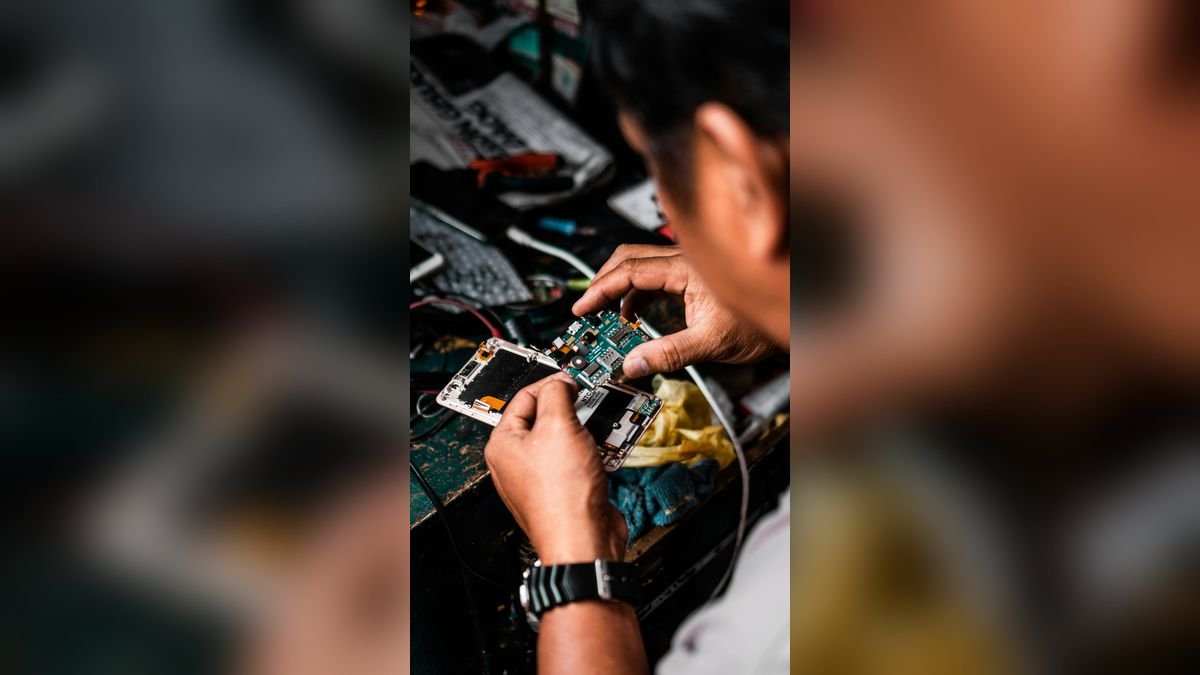
How we repair iPhone audio faults at Toughees Telecom
- Separate testing of the earpiece, loudspeaker and each microphone, so we replace only what has failed.
- Cleaning and inspection of grilles, ports and contacts under magnification.
- Software check to rule out settings and iOS faults.
- Repair or replacement with genuine parts of the affected component.
- Call and recording test on normal, speaker and Bluetooth routes before handing back.
We back each repair with a 3 to 6 months warranty, depending on the repair type. Most speaker and microphone jobs are finished the same day. Explore all our iPhone repair services in Delhi.
Prevent iPhone audio problems
- Use a case with correctly aligned speaker and microphone cut-outs.
- Choose a screen protector that leaves the earpiece mesh open.
- Keep the phone away from water, steam and humid pockets.
- Avoid listening at maximum volume for long periods.
- Clean the speaker openings regularly with a dry soft brush.
- Do not use the phone in bathrooms and kitchens near steam.
If your phone is also hot or shuts down, read iPhone overheating: causes and repair, and if the phone will not start, see iPhone not turning on.
The microphone works in one app but not another: what is going on?
A very common complaint is that "people hear me on normal calls but not on WhatsApp" or "Instagram videos have no sound". When the microphone works in some places and not others, the hardware is usually healthy and the problem is a permission or an app setting:
- Open Settings → Privacy & Security → Microphone and make sure the app is switched on.
- Close the app completely and reopen it. A stuck app can hold the microphone in a busy state.
- Check whether another app, such as a screen recorder or a voice assistant, is using the microphone in the background.
- Turn off Voice Isolation or Wide Spectrum in Control Center during a call and see if sound improves.
- Update the app from the App Store; old versions sometimes break after an iOS update.
If the microphone fails everywhere, including in the Voice Memos app and in video recordings, then the hardware is at fault and needs repair.
Sound is fine on speaker but weak on calls: the earpiece story
Because the earpiece sits right behind the display grille, it picks up dust, hair oil and skin cells quickly, especially if you hold the phone against your face during long calls. Over a year or two the mesh clogs and the voice on the other end sounds distant. We often see this on iPhone 11 and iPhone 12 models that have never been cleaned. A professional cleaning under magnification is inexpensive and brings the volume straight back. If the earpiece also buzzes at high volume, the speaker itself has aged and is replaced.
Also remember that the earpiece doubles as the top stereo speaker on modern iPhones. When it fails, music and videos sound lopsided and thin even in speaker mode, which many people mistake for a "software problem".
Do "speaker cleaning" sounds and water-eject shortcuts really work?
You will find videos online that play a low-frequency tone to "push the water out" of an iPhone speaker, and Shortcuts that do the same. These can help shift a few droplets from the grille after a splash, but they do nothing for corrosion, wet circuits or a damaged component. Use them only for a minor splash, never as a substitute for proper drying, and never when the phone has fallen into a bucket, sea or washroom. If the speaker still sounds wrong after drying, have it checked.
When to stop troubleshooting and visit a technician
- The audio problem started after a drop or water exposure.
- Both the earpiece and the loudspeaker are silent, or the speaker button on calls is greyed out.
- A restart, an update and a settings reset all failed to help.
- People cannot hear you in Voice Memos and video recordings either.
- The sound crackles even at low volume.
Continuing to blast the speaker at full volume to "clear" it can damage a weakened speaker further. A free diagnosis tells you exactly which part is at fault before you spend anything.
Visit us or book free pickup in South Delhi
Find us at Shop #7, Basement, Main Road, Block B-7, Arjun Nagar, Safdarjung Enclave, open Monday to Saturday, 10 AM to 8 PM. Call +91 99715 85123, message on WhatsApp, or use the contact page. We offer free pickup and drop within 5–7 km, including Green Park, Hauz Khas, AIIMS, Sarojini Nagar and Bhikaji Cama Place – see areas we serve.
Frequently Asked Questions About iPhone Speaker and Microphone Problems
Why can't people hear me on calls on my iPhone?
The usual causes are a blocked or faulty bottom microphone, a case or protector covering it, Bluetooth connected to another device, or a software issue. Clean the mic holes, disconnect Bluetooth and restart. If it persists, the microphone needs repair.
Why is my iPhone speaker crackling?
Crackling comes from dust in the grille, water exposure, high-volume damage or a worn speaker. Clean the opening gently first. If crackle continues at low volume, the speaker should be replaced.
Why is my iPhone speaker not working but earpiece works?
That means the bottom loudspeaker or its connection is faulty, but the audio system is otherwise fine. Debris, liquid damage or a damaged flex cable are the usual reasons, and the loudspeaker can be replaced.
Why is there no sound on my iPhone even when volume is up?
Check silent mode, Focus, Bluetooth connections and the headphone-mode bug. If settings are fine and a restart does not help, the speaker or audio chip may be damaged.
How do I fix a muffled iPhone speaker?
Remove the case, clean the speaker grille with a dry soft brush and test again. If it is still muffled, the speaker may be damaged or contaminated and needs replacing.
Can water damage cause speaker problems?
Yes. Water causes distortion, crackling or silence, often after a delay due to corrosion. Switch the phone off, avoid charging, and have it cleaned by a technician quickly.
Why is the speaker button greyed out on calls?
A greyed-out speaker button and no audio often indicates a fault in the audio chip on the logic board. This needs board-level repair rather than a simple part replacement.
How much does iPhone speaker repair cost in Delhi?
Speaker and microphone replacement in Delhi usually costs ₹1,200 to ₹3,000, depending on the model and the part. Cleaning is cheaper, and board-level audio repairs cost more.
How long does iPhone speaker or microphone repair take?
Most speaker and microphone replacements take 45 to 90 minutes. Water-damage and audio-chip repairs can take one to three days.
Does a screen protector affect iPhone call quality?
Yes, if it covers the earpiece grille or is badly cut. Remove it and test; many "quiet earpiece" complaints are solved this way.
Will you charge me if the problem is just a setting?
No. Diagnosis is free at Toughees Telecom, and if the issue is only a setting we will fix it at no charge.
Do you give a warranty on speaker and microphone repairs?
Yes. We use genuine parts and provide a 3 to 6 months warranty depending on the repair.