It starts with one key. The letter "E" will not type, or the space bar needs a hard press, or the "N" suddenly types three times, or an entire row of keys stops responding. Maybe the keyboard backlight has gone dark. Whatever the symptom, a faulty MacBook keyboard turns every email, assignment and line of code into a chore. This guide explains how MacBook keyboards work, why they fail, the 12 most common causes, the safe fixes you can try at home on both the older butterfly keyboards and the newer Magic Keyboards, the settings that make a healthy keyboard seem broken, and when and how the keyboard is repaired or replaced at our workshop in Safdarjung Enclave, Delhi.
Know your MacBook keyboard type
| Keyboard | Found on | Common weaknesses |
|---|---|---|
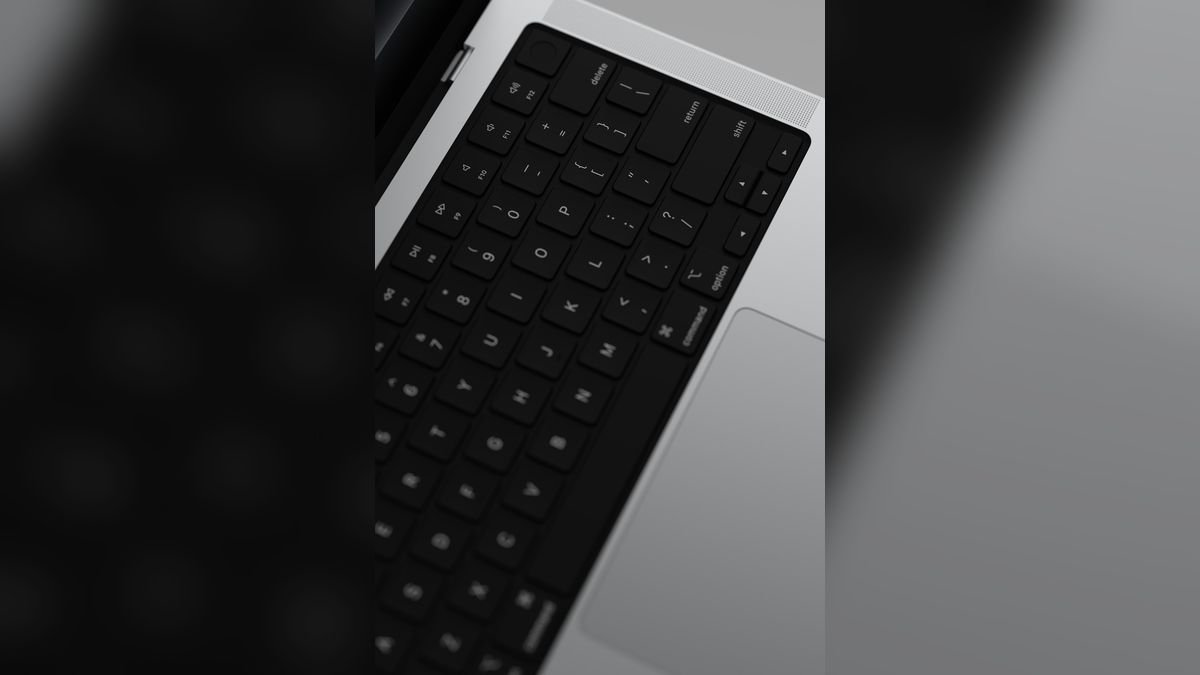
| Butterfly keyboard (shallow keys, thin mechanism) | MacBook 12" (2015–2017), MacBook Pro 2016–2019, MacBook Air 2018–2019 | Very sensitive to dust and crumbs; keys stick, double-type or stop working |
| Magic Keyboard (scissor mechanism) | MacBook Pro 16" (2019), 2020 MacBook Air and Pro 13" and all M-series models | More tolerant of dust; problems mostly come from liquid, wear or cable and board faults |
The type matters because repair methods and cost are different. On most MacBooks, the keyboard is built into the top case, which may also include the trackpad and, on many models, the battery. That is why keyboard replacement can cost more than people expect, and why a careful diagnosis before replacement is so important.
12 reasons a MacBook keyboard stops working
1. Dust, crumbs and hair under the keys
The most common cause, especially on butterfly keyboards. A single grain of dust under a key can make it stick, fail to register or type twice. Eating at the desk makes it worse.
2. Liquid or humidity
Spills cause sticky residue and corrosion on the keyboard contacts. In Delhi's monsoon, humidity alone can make keys misbehave. See spilled water or tea on your MacBook.
3. Accessibility settings that change keyboard behaviour
Features such as Sticky Keys, Slow Keys and Mouse Keys can make a healthy keyboard seem faulty. We cover these in detail below.
4. Wrong input language or layout
If the keys type different characters from the ones printed on them, for example the @ and " swap places, the input source is set to another layout.
5. A software glitch or macOS update bug
Occasionally, after an update, keyboard drivers stop responding properly. A restart or an update fixes it.
6. A connected Bluetooth keyboard or other device
A paired external keyboard that is switched on nearby can take input away, or send phantom key presses. Turn off Bluetooth to test.
7. Worn or broken keycaps and clips
Heavy typing wears the thin plastic hinge under each key. A broken key clip makes the key feel loose or flat.
8. A swollen battery pushing on the keyboard
If the battery swells, it lifts the top case, and the keys above it may stop working or feel uneven. See MacBook battery replacement in Delhi.
9. A loose or damaged keyboard cable or connector
A fall or years of lid flexing can damage the thin cable that connects the keyboard to the board. Entire rows or sections of keys fail together.
10. A failed keyboard backlight
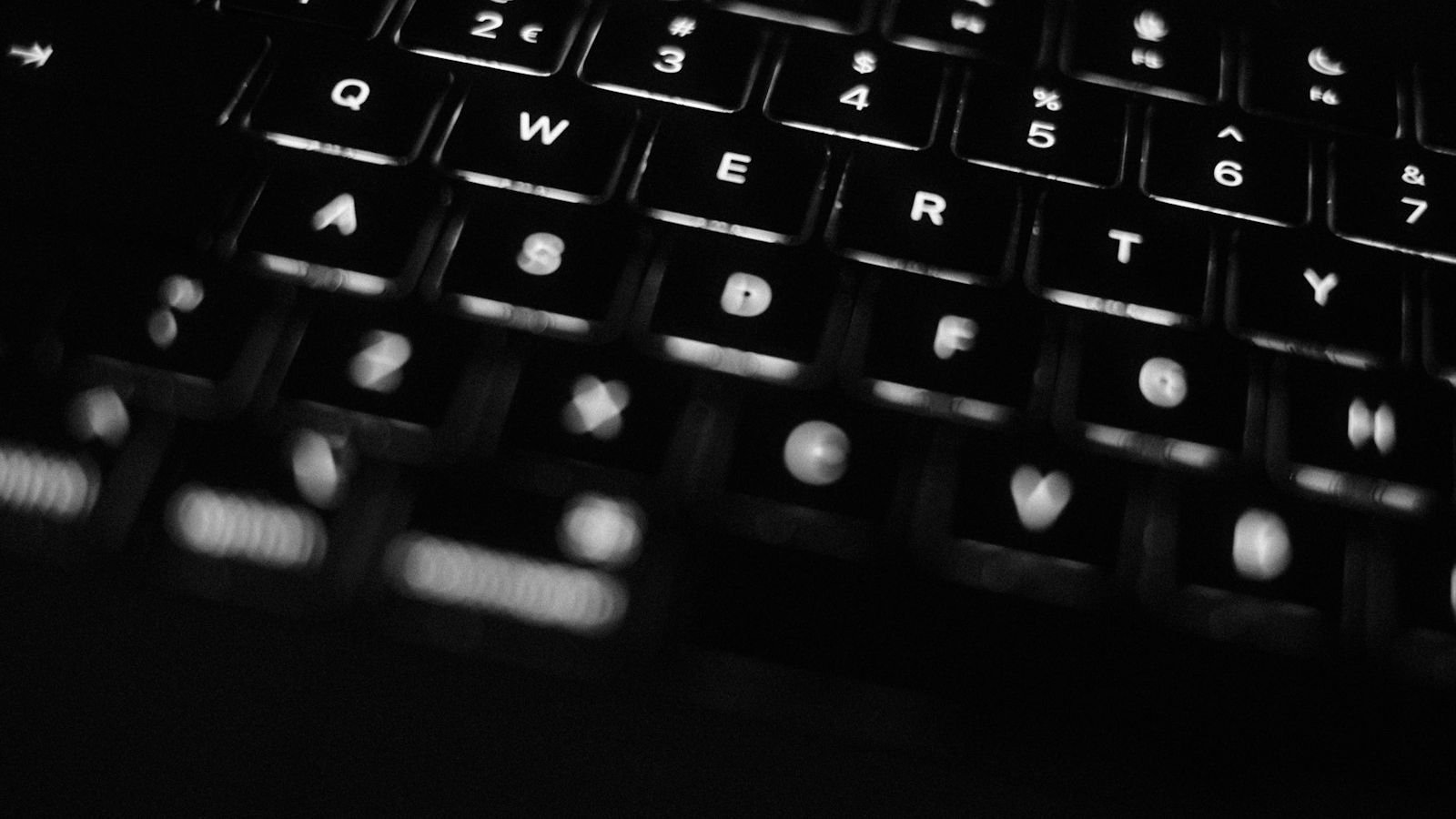
If the keys work but are dark, the backlight LEDs, the ambient light sensor or the backlight circuit has a fault, or the setting is simply turned down.
11. A fault on the logic board or controller
If the keyboard is perfectly healthy but nothing registers, the keyboard controller or the T2 chip on the board may be faulty. This needs board-level repair.
12. Pressure, impact or bending
Carrying the MacBook in a tight bag or dropping it can bend the keyboard plate or crack its internal membrane.
First, rule out the settings
Many "broken" keyboards turn out to be settings problems. Check these before assuming hardware damage:
- Sticky Keys. If pressing Shift five times turned it on, keys wait for combinations, and typing feels wrong. Check System Settings → Accessibility → Keyboard.
- Slow Keys. This adds a delay before a key press is accepted, so quick taps are ignored.
- Mouse Keys. When this is on, some keys move the cursor instead of typing.
- Input sources. In System Settings → Keyboard → Text Input, make sure the right language and layout are active, and remove ones you do not use.
- Keyboard shortcuts and modifier keys. A modifier key remapped by mistake can cause odd behaviour.
- Bluetooth. Switch Bluetooth off for a minute and test.
The Keyboard Viewer test: is the key physically registering?
This test tells you whether the problem is the keyboard or the software. In System Settings → Keyboard, turn on the option to show the Keyboard Viewer (or Input menu in the menu bar), then open the Keyboard Viewer. As you press the faulty key, watch the on-screen keyboard. If the key lights up on screen, the keyboard hardware registers the press, and the fault is in software or settings. If it does not light up, the key itself or the keyboard has a hardware fault.
Safe fixes to try at home
Step 1: Restart and update
Restart the MacBook and install any pending macOS update.
Step 2: Clean with compressed air (the right way)
Dust is the main enemy of butterfly keyboards. Apple's recommended method is to hold the MacBook at about a 75-degree angle, spray compressed air in a steady left-to-right motion across the keys, rotate the MacBook 90 degrees, and spray again, repeating until all four sides are done. Use short bursts with the straw and do not shake the can, to avoid liquid. Do not blow with your mouth.
Step 3: Gently clean the surface
Switch the MacBook off and wipe the keys with a slightly damp, lint-free cloth. Do not use bleach, strong cleaners or alcohol soaked cloths that can enter the gaps.
Step 4: Do not pry the keys off
On butterfly keyboards, the key mechanism is extremely fragile and prying the keycap usually breaks it. On Magic Keyboards the keycaps can be removed, but it should be done with care. If a key is physically stuck, a technician can clean and repair it without causing more damage.
Step 5: Reset the SMC or NVRAM where relevant
On Intel MacBooks, resetting the SMC and NVRAM can fix backlight and some key response problems. The steps differ by model. On Apple silicon MacBooks, simply shutting down fully and restarting does this automatically.
Step 6: Use an external keyboard as a temporary solution
If you must keep working, connect a USB or Bluetooth keyboard until the repair. It also helps confirm that the MacBook itself is healthy.
Symptom guide
| Symptom | Likely cause | Next step |
|---|---|---|
| One key does not type | Dust, broken key clip or damaged contact | Cleaning; if it persists, key repair |
| A key types twice or three times | Dust under butterfly key; or Slow Keys / Repeat settings | Check settings; clean |
| A whole row or section stops | Keyboard cable, flex or board connection | Diagnosis; keyboard or cable repair |
| Keys type wrong characters | Input source or layout | Fix Text Input settings |
| Keys feel sticky after a spill | Liquid residue | Stop use; professional cleaning |
| Keys uneven, trackpad hard to click | Swollen battery | Stop charging; urgent check |
| Backlight dark, keys work | Setting, sensor or backlight fault | Check brightness keys and settings; then diagnosis |
| No keys work at all | Connector, controller or board fault | Test external keyboard; diagnosis |
Repair options: not every keyboard problem needs a new keyboard
This is where an honest workshop saves you money. We follow a clear order of repair options:
- Settings correction if the fault is in software. Free.
- Deep cleaning of the keyboard to remove dust and sticky residue. Often enough on its own.
- Key or keycap repair where a single key can be repaired or replaced without changing the whole keyboard.
- Connector and cable repair if the keyboard is fine but its connection is not.
- Keyboard or top case replacement only when the above are not possible, such as after liquid damage or when many keys fail. Because the keyboard sits in the top case, this can also include the trackpad and, on some models, the battery.
Apple ran a service programme for butterfly keyboards at one time, but its coverage period has ended for most machines, so check with Apple whether your MacBook still qualifies before paying for a repair.
MacBook keyboard repair cost in Delhi
| Repair | Indicative price | Typical time |
|---|---|---|
| Settings fix / software diagnosis | Free | Same day |
| Deep keyboard cleaning | ₹1,500 – ₹3,500 | Same day |
| Single key / keycap repair (where possible) | ₹1,500 – ₹4,500 | Same day to 2 days |
| Keyboard cable or connector repair | ₹3,000 – ₹8,000 | 1–2 days |
| Backlight repair | ₹2,500 – ₹6,000 | 1–2 days |
| Keyboard / top case replacement | ₹6,000 – ₹18,000 | 1–3 days |
| Liquid-damaged keyboard and board | ₹5,000 – ₹25,000 | 2–5 days |
Prices are indicative; see the full MacBook repair price list for Delhi. We give you the exact quote after a free diagnosis, and we always start with the least expensive fix that will work.
How we repair MacBook keyboards at Toughees Telecom
- Free diagnosis. We run the Keyboard Viewer test, check settings, test with an external keyboard and inspect the keys under magnification.
- Honest options. You are told whether cleaning, key repair, cable repair or replacement is the right option and what each costs.
- Careful repair. We use proper tools, because butterfly keys and top cases are easily damaged. Genuine parts are used for replacement.
- Full testing. Every key, the backlight, the trackpad, Touch ID and ports are tested before handover.
- Warranty. A 3 to 6 months warranty, depending on the repair, is noted on your receipt.
If your trackpad is also acting up, read our guide on fixing a MacBook trackpad that is not working properly, since the keyboard and trackpad often share the same top case.
Keep your MacBook keyboard healthy
- Do not eat over the keyboard, and wash your hands before long work sessions.
- Clean it with gentle compressed air every few weeks.
- Keep liquids at a safe distance from the laptop.
- Do not use a keyboard cover that is thick; it can press on the screen when the lid is closed.
- Do not close the lid on pens, earbuds or cables.
- Replace a weak battery before it swells.
- Carry the MacBook in a padded sleeve, away from pressure in the bag.
- Back up regularly so that a hardware fault never threatens your data.
Visit us or book free pickup
Bring your MacBook to Shop #7, Basement, Main Road, Block B-7, Arjun Nagar, Safdarjung Enclave, New Delhi, open Monday to Saturday, 10 AM to 8 PM. Call +91 99715 85123 or WhatsApp us with your MacBook model and the problem keys. We offer free pickup and drop within 5–7 km, including Green Park, Hauz Khas, AIIMS, Sarojini Nagar and Bhikaji Cama Place. See areas we serve, our MacBook repair in Delhi page, our testimonials and the contact page.
Frequently Asked Questions About MacBook Keyboard Problems
Why are some keys on my MacBook not working?
The usual causes are dust or crumbs under the keys, liquid residue, accessibility settings such as Sticky Keys or Slow Keys, a damaged keyboard cable or a hardware fault. Test with the Keyboard Viewer and clean with compressed air first.
Why does my MacBook type double letters?
Double letters are a classic sign of dust under a butterfly key, but they can also be caused by key repeat settings or Slow Keys. Check your settings, then clean the keyboard.
How do I clean a MacBook keyboard safely?
Hold the MacBook at about 75 degrees and spray short bursts of compressed air across the keys from left to right, rotating the laptop 90 degrees between passes. Wipe the surface with a slightly damp, lint-free cloth with the MacBook switched off.
Can I remove MacBook keys to clean under them?
It is not recommended. Butterfly keys are very fragile and usually break when pried off. Let a technician clean or repair them to avoid making the problem worse.
How much does MacBook keyboard replacement cost in Delhi?
Keyboard or top case replacement in Delhi typically costs ₹6,000 to ₹18,000 depending on the model. Cleaning and key repairs cost much less, and we always check cheaper options first.
Why is the whole MacBook keyboard not working?
If no keys work, test with an external keyboard. The problem may be the keyboard connector, the keyboard itself, a swollen battery or the logic board, and it needs diagnosis.
My MacBook keyboard stopped working after a spill. What now?
Switch the MacBook off, do not use it and bring it in quickly. Liquid can damage the board as well as the keyboard, and early cleaning gives the best result.
Why is my MacBook keyboard backlight not working?
Check that the brightness is turned up and the setting is on. If it still fails, the backlight, ambient light sensor or its circuit may be faulty and should be checked.
How long does MacBook keyboard repair take?
Cleaning and simple repairs can be done the same day. Keyboard or top case replacement usually takes one to three days.
Will I lose data if my MacBook keyboard is replaced?
No. Keyboard repair does not touch your storage. A backup before any repair is still good practice.
Can a swollen battery stop the keyboard working?
Yes. A swollen battery can lift the top case and affect keys and the trackpad. Stop charging and get it checked the same day.
Do you give a warranty on MacBook keyboard repairs?
Yes. We use genuine parts and offer a 3 to 6 months warranty depending on the repair type.